Tools / Analysis
Mistral Vibe Desktop puts the code change beside the conversation
Two agents can have separate conversations and still overwrite the same file. Mistral’s desktop release makes the distinction between a chat and a checkout worth understanding.
Imagine asking one coding agent to revise a help page and another to translate it. Both report success. Which version of the file would a reader see? On November 18 Mistral released Vibe Desktop for macOS and Windows. It brings conversations with coding agents, the files they change, and the commands they run together in one application. A detail in its documentation answers the translation puzzle. Two conversations can be looking at the same copy on disk.
Where the work happens
The launch film lasts three seconds. The Vibe icon appears in the Mac Dock. The practical choice comes afterwards. A local session can use the repository on your computer, the shell you already use and services the project depends on. A cloud session works in a sandbox. If your bug turns up only when a particular local service is running, the first option gives the investigation somewhere sensible to start.
“Local” describes where the files and commands live. It does not certify that the model producing the answers runs on that computer. Mistral says the desktop and command-line tools share the core agent engine and local session logs. Users can install Desktop on its own. Tools, prompts and their implementations can differ across the two interfaces, so an identical request need not produce an identical sequence of actions.
Sources: Mistral AI [1] · Mistral Docs [2]
Mistral’s three-second desktop launch film
Loading post from X…
Vibe appears in the Mac Dock. The workflow described below comes from the desktop documentation.
Two windows, one file
For parallel work Mistral describes three mechanisms. A nested conversation lets a parent session coordinate an independent assignment. A subagent can take on part of an investigation, with its conversation available for inspection. File isolation comes from a Git worktree. That is another checkout of the repository, usually on another branch. It shares history with the original and gives an editor a distinct set of working files.
Give the translator that second checkout and both versions of the help page survive for comparison. There can still be a collision outside the files. Two development servers on the same machine cannot listen on the same port at the same time. Starting a new conversation solves neither problem on its own. The documentation is unusually useful here because it tells you what is shared at each level.
Sources: Mistral Docs [3] · Mistral Docs [4]
The panel that belongs to this task
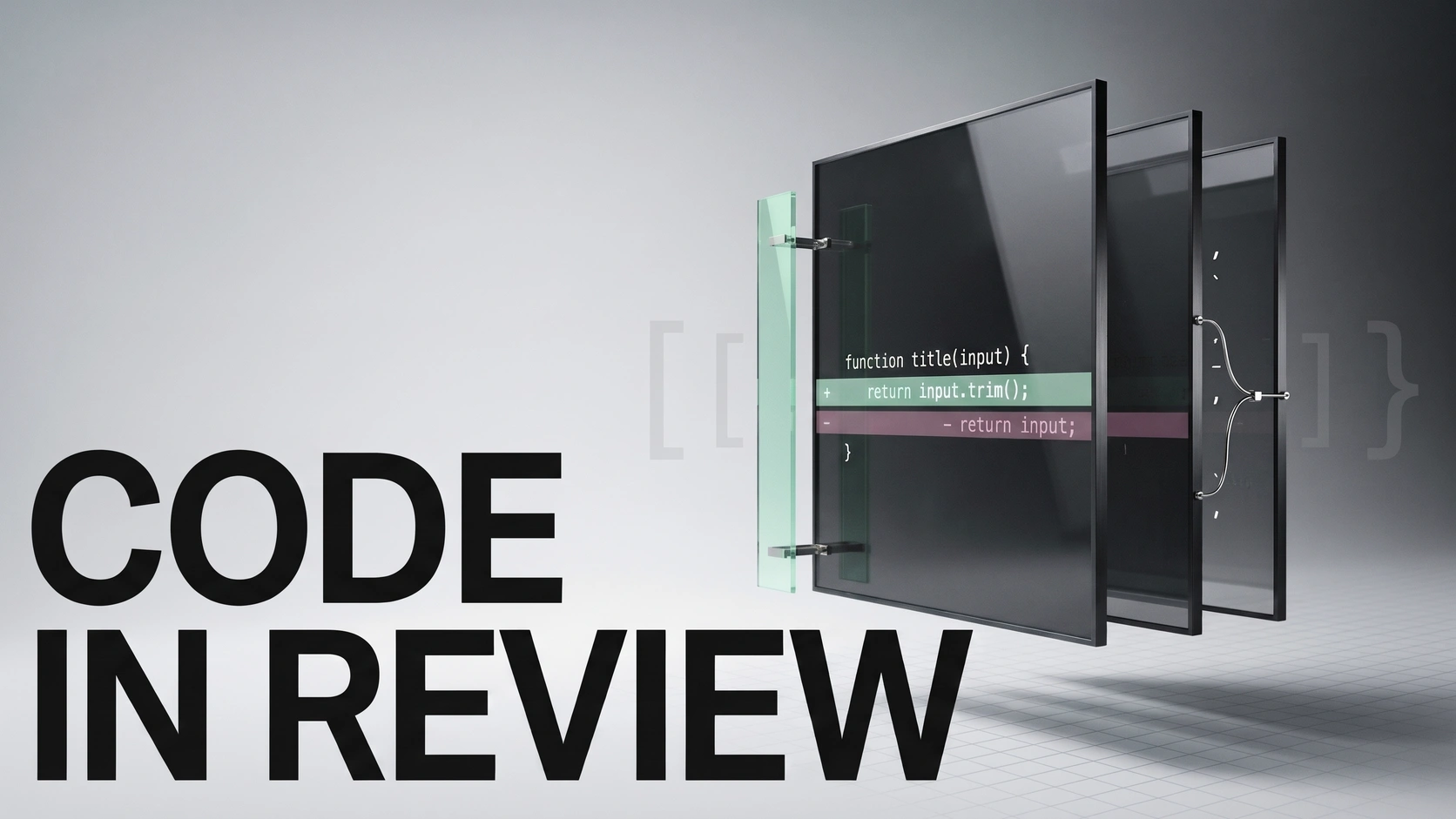
Select a conversation and the side panel follows it. Open Git Changes to see the edits together or side by side. Open the terminal in that environment and repeat the command that used to fail. One especially good reason to inspect the diff is a green test result: a change to the test itself can also make it pass. The difference between the two explanations is visible in the changed lines.
A local edit can stay local. A team that reviews work through pull requests can open one for the checked branch. Linux support is still listed as forthcoming. For Mac and Windows users, the useful addition is modest enough to describe exactly: the conversation, the changed line and the output of a fresh test can be inspected without losing track of which copy of the project produced them.
Sources: Mistral Docs [5] · Mistral Docs [4]
SOURCES & METHOD
The record behind the article
Checked 18 November 2026. Technical claims are grounded in developer documentation; videos are credited to their creators. Company claims and third-party reviews are attributed in the text; conclusions are editorial analysis. No original comparative testing of these releases was conducted for this article.
- Vibe comes to the desktop Mistral AI
- Code on Desktop Mistral Docs
- Work on parallel tasks Mistral Docs
- Follow and inspect work Mistral Docs
- Review changes and pull requests Mistral Docs