Tools / Analysis
Runway App Studio turns a production workflow into an app
A camera path, a set of references, a process worth repeating. Runway now lets creative teams build an interface around their own way of working.

At architecture practice KPF, designers mark what should move in a rendering and draw a camera path. Runway says KPF built an app around that task. A colleague can work through a purpose-built interface instead of reconstructing the original setup.
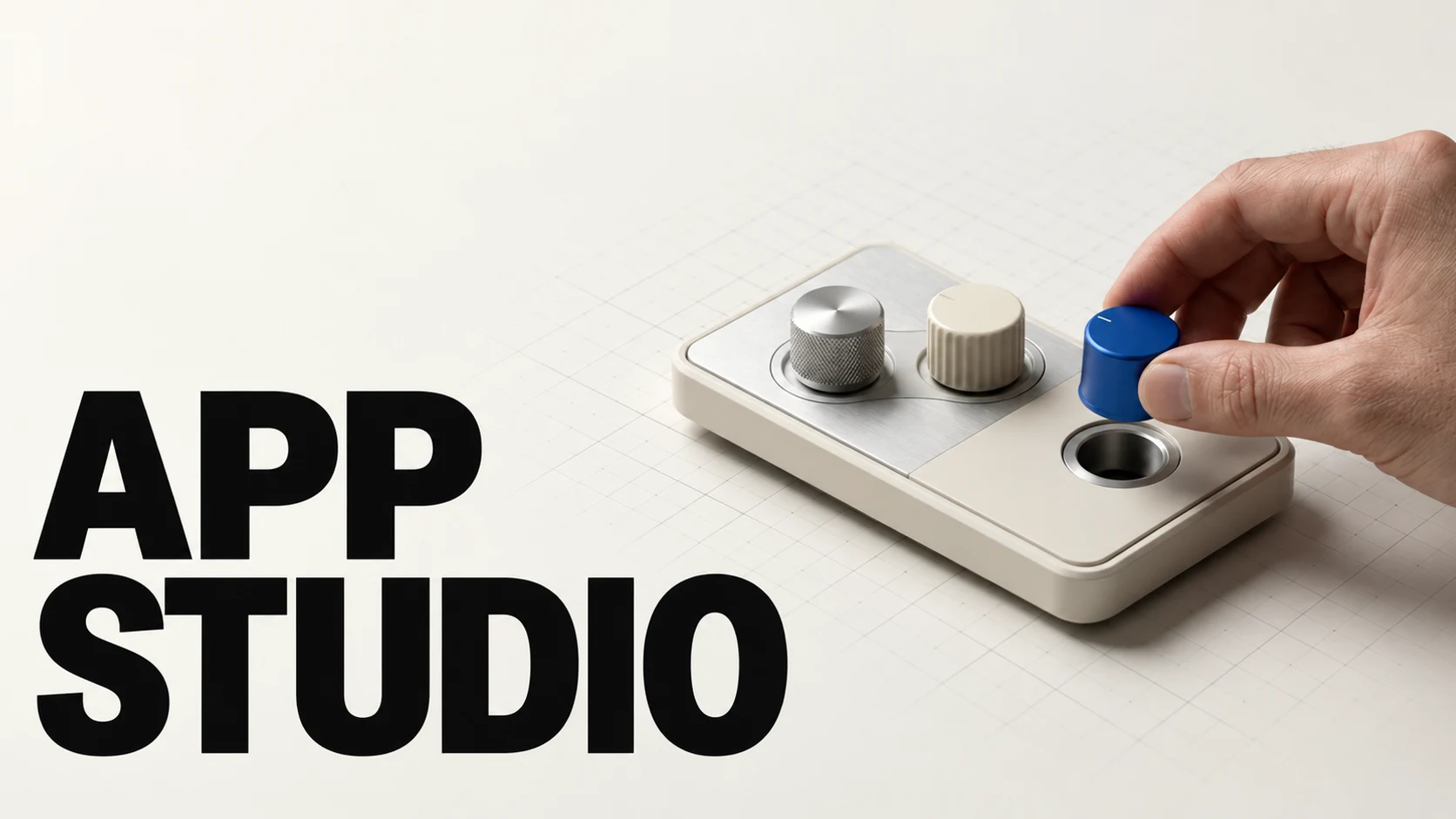
App Studio, announced on 26 October, makes that approach available inside Runway. Describe a creative tool in ordinary language, then refine the app the system builds. The output of this conversation is something another person can operate.
The interface is part of the work
The builder pairs a conversation with a live preview. Runway’s guide says users can request changes in words or point at elements in the preview. Each generation step has a selectable model; the Code tab exposes the files, and published source can be downloaded as a ZIP.
That makes the choice of controls consequential. A useful interface tells a colleague what to supply, what can change and where the result will appear. Too many controls reproduce the complexity of the original setup. Too few hide decisions the next job may require. Designing the app includes deciding which choices belong to its user.
Sources: Runway Help Center [3]
Runway introduces App Studio
Official promotional video from the App Studio product page.
From choosing an app to making one
Runway already offered Apps for particular image, video and audio tasks. Its help centre still distinguishes those ready-made tools from App Studio, where users describe apps of their own. The new builder therefore adds a way to make software around a task, alongside the existing catalogue of tools.
The product page describes apps that combine models, references, Brand Kits and existing Workflows. This is the practical attraction for a team: a procedure can be made explicit and reused. It also creates a maintenance job. If the procedure changes, somebody needs to decide whether the shared app should change with it.
Sources: Runway Help Center [5] · Runway [2]
What belongs in a production tool
Runway places script-to-storyboard and previz tools alongside applications for adapting advertising assets. These tasks ask different things of an interface. A storyboard needs a readable sequence; a product variation needs a clear relationship to the supplied reference. Treating both as an empty prompt box leaves those requirements implicit.
A custom app can make the brief more precise before a model runs. It cannot, by that fact alone, make every generated shot correct. Those are separate design problems: specifying the work and producing a usable result. App Studio is most persuasive where a team already knows the first well enough to build a tool around it.
Sources: Runway [2]
A useful process becomes shareable
The KPF example gives App Studio a clear purpose: preserve a way of working and make it available through controls another designer understands. The first app is only the beginning. Its real test is the next project, when a colleague brings different material to the same interface and expects the process to hold.
SOURCES & METHOD
The record behind the article
Reported from Runway’s announcement, product page and help documentation, checked on 28 October 2026. The KPF example is reported by Runway. We have not tested App Studio; the official pages disagree about external sharing.
- Introducing Runway App Studio Runway · 2026-10-26
- App Studio: Build your own creative apps Runway
- Building apps with App Studio Runway Help Center
- Sharing apps from App Studio Runway Help Center
- Creating with Apps Runway Help Center