Tools / Analysis
AI video’s next move is inside the edit.
Resolve integration, editable video, character references and delivery tools. The recent changes that deserve a place in a filmmaker’s test sequence.


A new video model earns attention with its best shot. An editor needs to know what happens when that shot is too long, the product colour is wrong or the next angle no longer matches. The useful news this month sits around those problems: getting generations into the edit, revising them and keeping references close.
What is actually new in September
Runway’s dated changelog is the clearest record for these updates. The rows below describe platform changes, not four newly trained video models. Availability varies by plan. A plugin announcement also does not establish how well it will fit a particular editor’s codecs, projects or delivery requirements.
Sources: Runway [1]
| Date | Change | Access in the changelog |
|---|---|---|
| 23 Sep | DaVinci Resolve plugin | Paid plans |
| 22 Sep | Brand Kit references in MCP | All plans; read-only kits |
| 18 Sep | Kling models in MCP | Paid plans |
| 17 Sep | Frame-rate enhancement | Max+ |
Aleph 2.0: a reference frame becomes an edit instruction
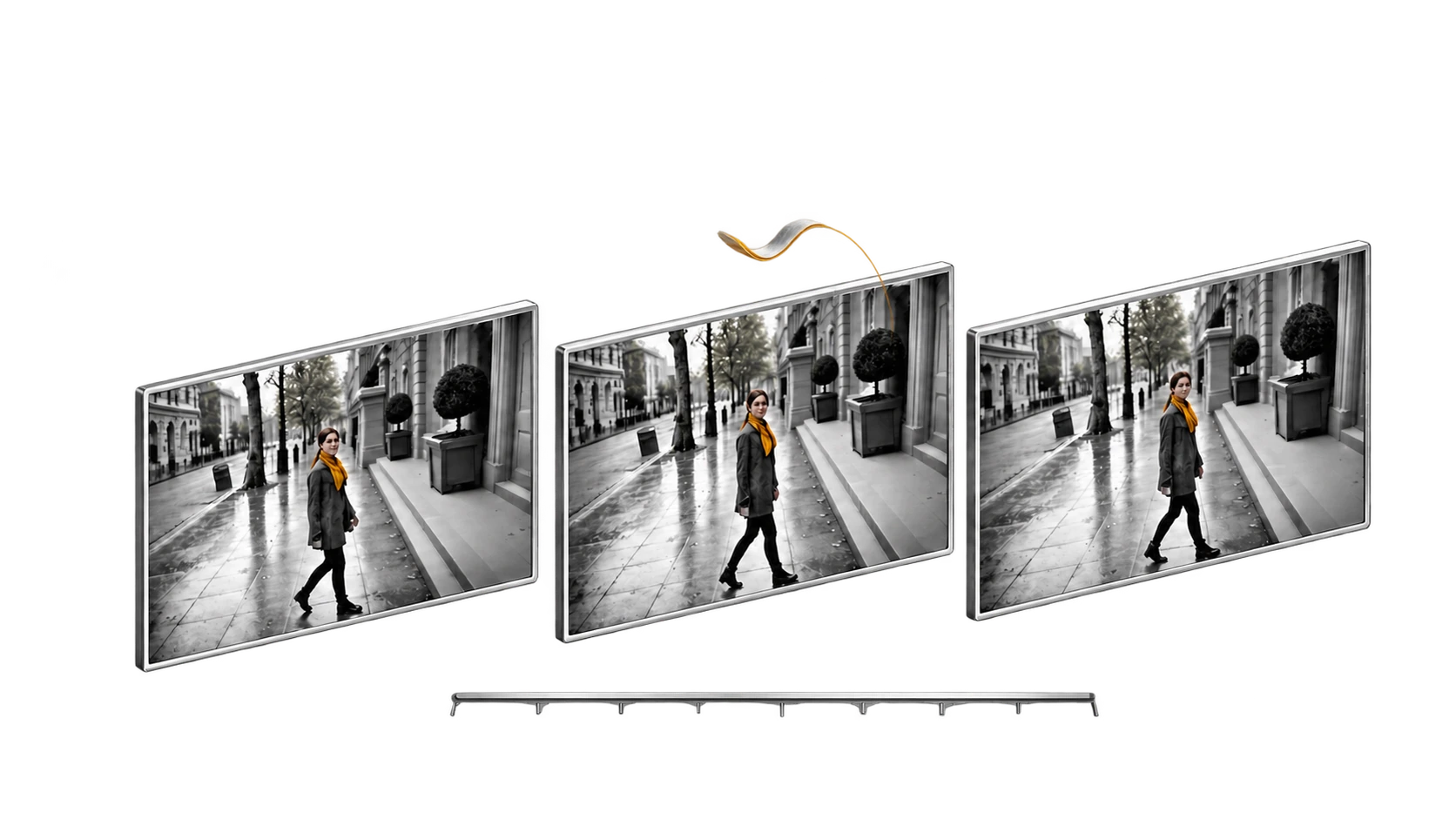
Aleph 2.0 is an existing editing model, not a release from this week. Runway says it can propagate a modified frame through clips and multiple shots, with support up to 30 seconds at 1080p. That makes it relevant to the new editor integrations without making the underlying model new again.
The interesting shift is being able to approve the target appearance before spending on motion. For a product film, a chosen frame can express the exact colour or surface you want. But it is still necessary to check moving edges, reflections and occlusions. A convincing still does not prove a convincing transition into or out of it.
Sources: Runway [2]
Introducing Aleph 2.0
Official product demonstration. Watch what changes across the cut and what remains stable. Selected examples do not establish a success rate.
Kling: continuity is the feature to interrogate
Adobe’s official Kling page describes multi-shot generation, character consistency and synchronised sound in its Firefly integration. These are platform-described capabilities; supported options can differ from Kling’s own application or another host. Choose the surface first, then check the controls actually available there.
For dialogue, ask whether the same person remains recognisable before the line, during a turn and after a cut. For a product, look at the label and silhouette as it passes behind a hand. For a camera move, look for a stable relationship between foreground and background. These are more informative checks than a collection of unrelated beautiful frames.
Sources: Adobe [3]
Finishing tools can change what you can deliver
Runway’s recent history also includes ProRes/PNG-sequence export and Ruby colour workflows. These belong to the surrounding production system. A higher-resolution or higher-dynamic-range file should still be evaluated for actual detail, tonal behaviour and compatibility with the intended display.
Frame-rate conversion deserves a separate decision. A conversion can make motion smoother while changing the character of a shot. If the piece depends on restrained movement and a particular shutter feel, automatic smoothing may work against the intention. Compare at delivery speed, on the display that matters, with the original available beside it.
Sources: Runway [1]
A practical demonstration: separate the element
Runway Academy’s green-screen example is useful because it suggests a compositing task with visible failure conditions. Look at fine edges, motion blur, transparent objects and cast shadows. The official tutorial is a demonstration of a workflow; it is not evidence that a generated separation will replace every manual matte.
How to Create Green Screen Assets with Aleph 2.0
Official tutorial by Runway. Inspect the moving boundaries before using the output in a composite.
One sequence, three questions
To choose what to add to a studio, use a short sequence that already works. Duplicate it, isolate one change and record every attempt. Keep model version, host platform and settings with the output; the same model name in two applications does not necessarily expose the same controls.
The exciting result would be an edit that survives all three checks below at a sensible cost. That is a concrete production advance. Whether it becomes revolutionary depends on how often it works, how easy it is to revise and what kind of film it lets a team make next.
- Did it preserve performance and continuity?
- Did it make the sequence better when played in context?
- Can we deliver and revise the resulting file without hidden cleanup?
SOURCES & METHOD
The record behind the article
Checked 27 September 2026. Technical claims are grounded in developer documentation; videos are credited to their creators. Recommendations and proposed tests are editorial analysis. No original comparative testing of these releases was conducted for this article.