Tools / Analysis
AI can make the shot. Can you still move the chair?
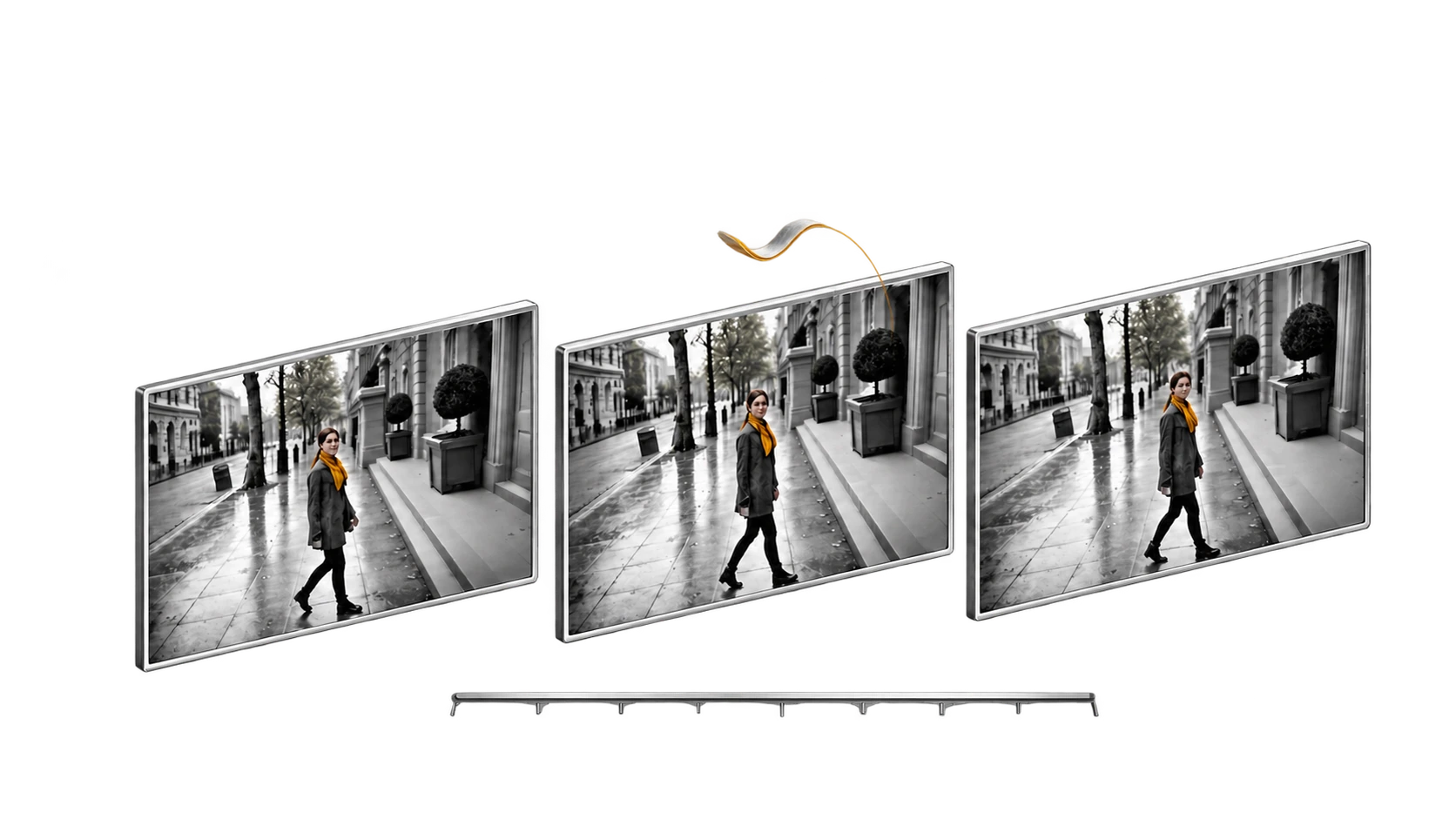
Autodesk’s September film demo makes a bigger promise than beautiful pixels: a scene whose performance, staging and camera remain open to direction.
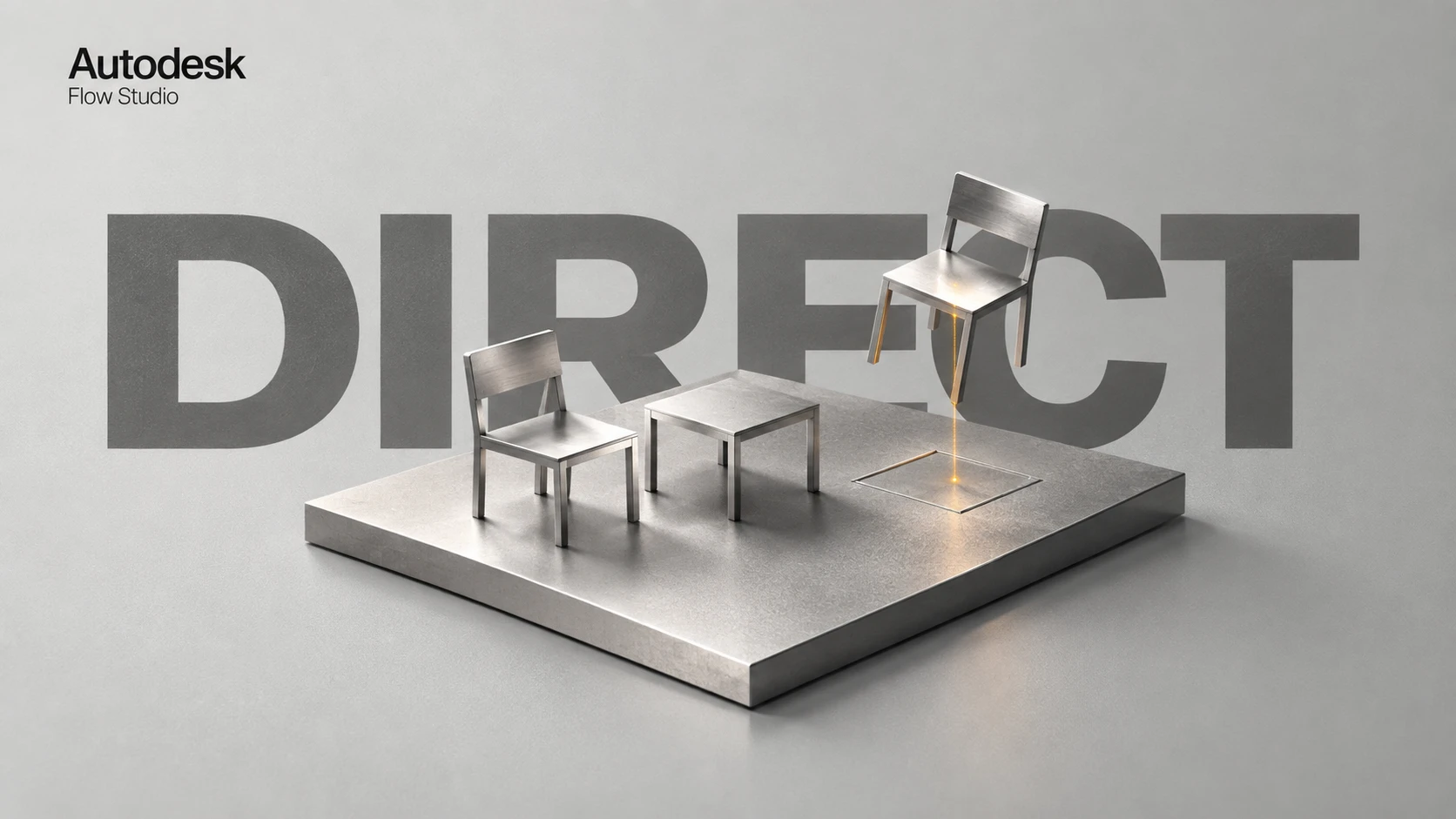
The note sounds trivial: move the chair a little closer. In a working scene, it is not trivial at all. The chair establishes the distance between two people. That distance changes whether a conversation feels intimate, hostile or merely inconvenient. If the scene is already a finished block of pixels, even a modest change can reopen decisions the director had considered settled.
That is why Autodesk’s Flow Studio story deserves attention beyond its launch reel. The useful proposition is an editable scene behind the image. This article examines the August launch in light of Autodesk’s September production demonstration, then turns the idea into a small, testable directing exercise.
The news is the production example, not a new launch date
Autodesk launched 3D Editor + Canvas on 4 August. Its 15 September account of Autodesk University 2026 uses Robots of the Wild West to explain the production approach: a filmed performance, a generated character and a World Labs Marble environment brought into one scene. The company says those elements, along with the camera and animation, remained separately controllable.
The original X launch post displayed 35.4 thousand views when checked on 27 September. That is evidence of attention to this demonstration, not proof that it is the most viral tool of the week. More importantly, it gives us an original, credited example to inspect. The embedded video below is the August launch demonstration; it is not a recording of the September stage presentation.
Sources: Nikola Todorovic / Autodesk [1] · Diana Colella / Autodesk [2] · Autodesk Flow Studio / @adskflowstudio [3]
3D Editor + Canvas — the original announcement
The creator’s original post and demonstration on X.
Official launch demonstration, 4 August 2026. Referenced here alongside the September AU case study. Publisher-selected examples are not a reliability benchmark.
Two workspaces, two different decisions
Autodesk describes 3D Editor as the place to stage and time the scene, with Canvas providing a node-based space for developing the final visual result through image and video models. A useful way to read this separation is: decide what happens in space, then explore how that decision should look. It does not eliminate the need to check the rendered result.
Consider an over-the-shoulder conversation. The important decisions are not only surface style. How much of the foreground person do we see? How far away is the listener? When does the speaker lean forward? A structured scene gives those decisions names and places to live. It also makes a note easier to communicate: the listener moves, the lens does not, and the line reading stays approved.
Sources: Nikola Todorovic / Autodesk [1]
Watch the official workflow demonstration
Official video linked from Autodesk’s launch and September newsroom articles. Look for the separation of staging from final appearance.
A better demo test: change one thing
Here is an editorial exercise to try, not a report of hands-on testing. Stage a short scene with two chairs and a small table. A visitor sits down, hears unwelcome news and pauses before standing. Keep the blocking deliberately plain. The point is to make the consequence of a change visible, rather than hide it inside a spectacular environment.
Approve one performance first. Then move only the empty chair. Compare the character’s timing, contact with the floor and relation to the table before and after the change. Next, change only the viewpoint. If the acting changes with it, record that as a loss of an approved decision. A useful workflow should let the team identify why that happened and what must be redone.
Finally, cut between the original view and the revised one. A shot can look correct by itself and still disrupt the scene. Check eye lines, screen direction and the location of the chair across the cut. These are acceptance criteria you choose for the exercise; the launch video does not prove the software will meet them on every project.
Measure the correction, including the work around it
The most attractive time measurement is the one between prompt and preview. The more useful one is the time between a director’s note and an accepted shot. Include setup, generation, inspection, cleanup and export. Also record how many already-approved details had to be repaired. Otherwise a fast first pass can disguise an expensive revision loop.
A small team can use a simple log: requested change, preserved decisions, visible regressions, number of attempts and total finishing time. Use the same log for a conventional method and an AI-assisted method on your own material. This will not produce a universal ranking. It will produce a decision about the job you actually need to finish.
Editable motion is another part of the same story
In the September example, Autodesk also highlights MotionMaker in Maya and says it produces editable animation curves. The important word is editable. A first locomotion pass can be a starting point for an animator, with the dramatic accent still shaped deliberately. The official horse-animation demonstration below is a separate product example, not a test of Flow Studio’s full scene workflow.
This suggests a useful division of responsibility. Let an automated first pass supply material where it helps, but reserve the character’s intention for explicit review. A technically smooth walk may still arrive too early, feel too confident or weaken a moment of hesitation. The director and animator need access to the decision, not merely a new button that regenerates everything.
Sources: Diana Colella / Autodesk [2] · Autodesk [5]
MotionMaker: horse animation in Maya
Official Autodesk demonstration linked from its September newsroom article. A separate animation example, not a claim that every scene is solved automatically.
The valuable result is a scene you can keep directing
For previsualisation, pitches and carefully scoped hybrid shots, the proposition is compelling: spend more time adjusting relationships and less time re-describing them. It is still sensible to begin with a bounded scene whose success you can recognise. A controlled two-person exchange can reveal more than a vast environment with no dramatic obligation.
The chair is a modest test, but it contains the larger question. When the director changes their mind, does the work become more precise—or does the whole scene become uncertain again? A tool earns a place in production when it helps the team carry good decisions forward. That is the promise worth testing behind this month’s demonstration.
SOURCES & METHOD
The record behind the article
Checked 27 September 2026. Technical claims are grounded in developer documentation; videos are credited to their creators. Recommendations and proposed tests are editorial analysis. No original comparative testing of these releases was conducted for this article.
- From generation to direction: 3D Editor + Canvas ↗Nikola Todorovic / Autodesk · 4 August 2026
- From idea to final frame: Where Autodesk can shorten the production loop ↗Diana Colella / Autodesk · 15 September 2026
- 3D Editor + Canvas — official X launch thread ↗Autodesk Flow Studio / @adskflowstudio · 4 August 2026
- Autodesk Flow Studio | 3D Editor + Canvas Launch ↗Autodesk Flow Studio
- New in Maya: MotionMaker for Horse Animation ↗Autodesk