Tools / Analysis
TikTok opens a public checker for its own AI images and videos
The upload tool looks for provenance signals from TikTok’s creation tools. A separate opt-in feature gives eligible creators a way to flag possible use of their likeness.
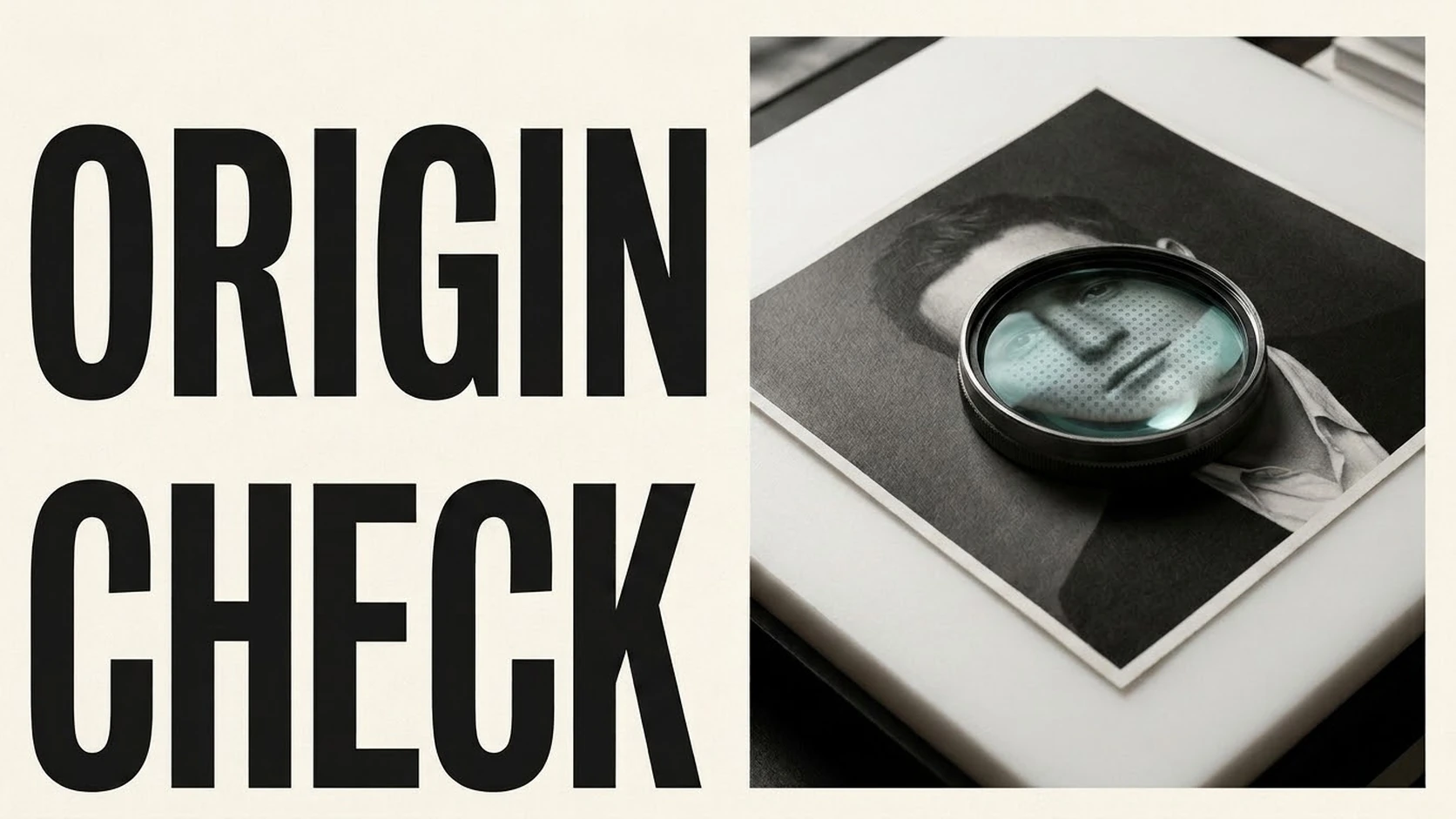
The same clip can appear first in TikTok, then in a group chat, then in an article that links to a copy with the platform label gone. On November 20, TikTok opened a page where anyone can upload an image or video and check whether it was generated or edited with TikTok’s AI creation features. The checker opens without a TikTok account. Its answer is about TikTok’s tools, so the origin of an image made elsewhere can remain unresolved.
What the public checker looks for
The checker looks for two clues. The first is a Content Credential, a record of how a file was made that participating tools can attach to the file. The second is VeraDura, TikTok’s invisible watermark. A credential can go missing as a clip moves between platforms or passes through another editor. TikTok says the second signal is harder to remove. The distinction matters when someone is tracing the source of a repost. Finding a TikTok signal can tell them something about a step in production. An upload with no result leaves the question open, especially when the file was edited or downloaded several times.
Sources: TikTok Newsroom [1] · TikTok [2]
TikTok’s public AI-content checker
The tool looks for provenance signals from TikTok’s own creation features.
Open the upload checker
The public checker accepts an image or video without a TikTok account.
Finding a use of your likeness
A separate tool starts from the person depicted. TikTok began a global rollout of Likeness Detection for eligible creators and public figures. A participant opts in and verifies their identity with a third-party provider. TikTok can then notify them about posts or accounts on TikTok that may use their likeness. The participant reviews the result and can send it to the platform’s safety team. TikTok says it removes content that breaks its rules. The report is a step in that review process.
For a producer or editor, the practical choice is which question they are trying to answer. The public checker can help establish whether the media passed through TikTok’s own creation tools. Likeness Detection gives a person a route to investigate and report a possible impersonation on the platform. The two results tell you different things about the same clip. Neither establishes the scene’s context or whether the person consented to appear.
Sources: TikTok Newsroom [1]
Likeness Detection reporting screens
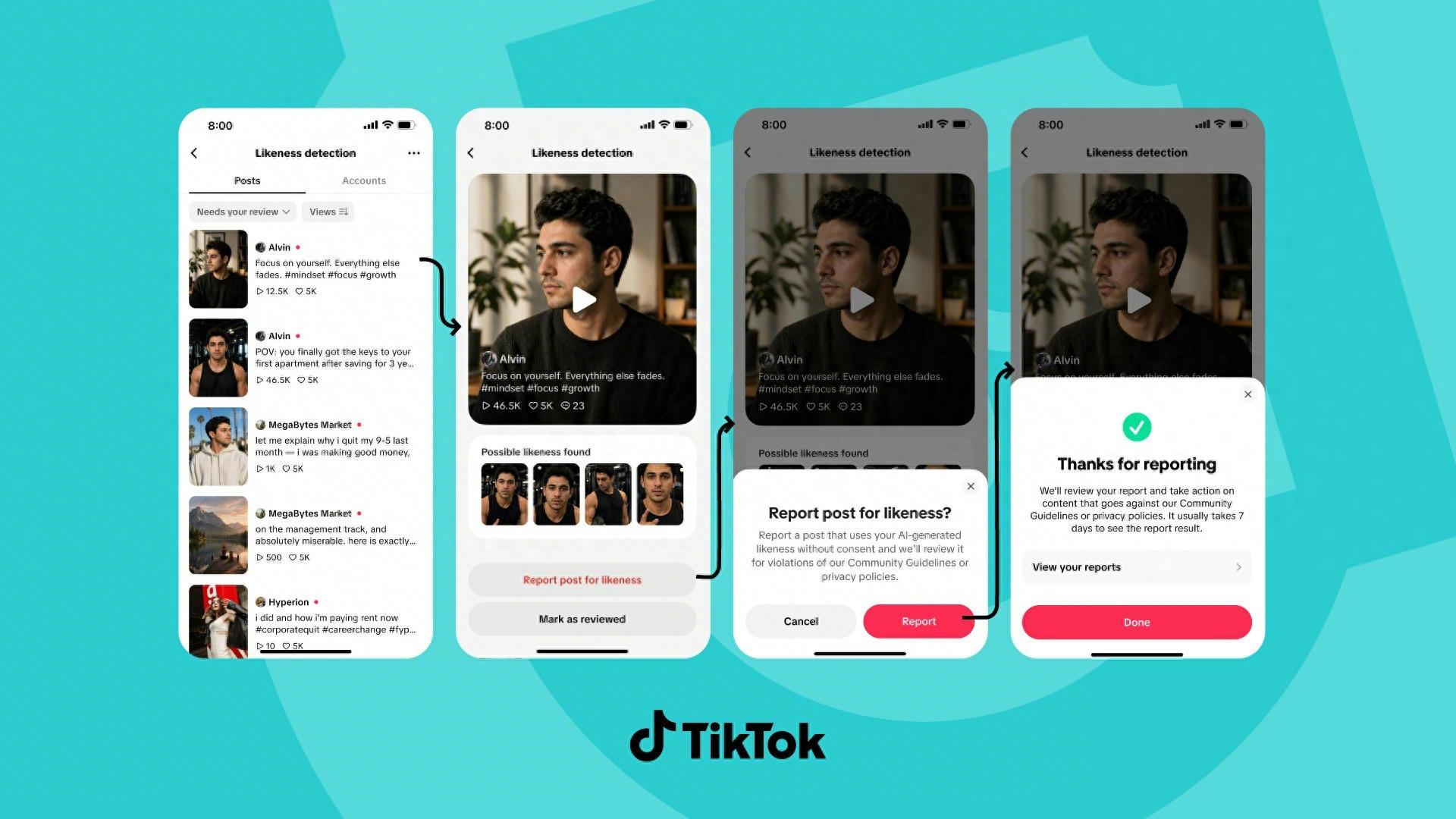
TikTok shows the review, reporting and confirmation steps.
SOURCES & METHOD
The record behind the article
Checked 21 November 2026. Technical claims are grounded in developer documentation; videos are credited to their creators. Company claims and third-party reviews are attributed in the text; conclusions are editorial analysis. No original comparative testing of these releases was conducted for this article.
- TikTok’s public AI-content checker TikTok Newsroom
- Open the upload checker TikTok