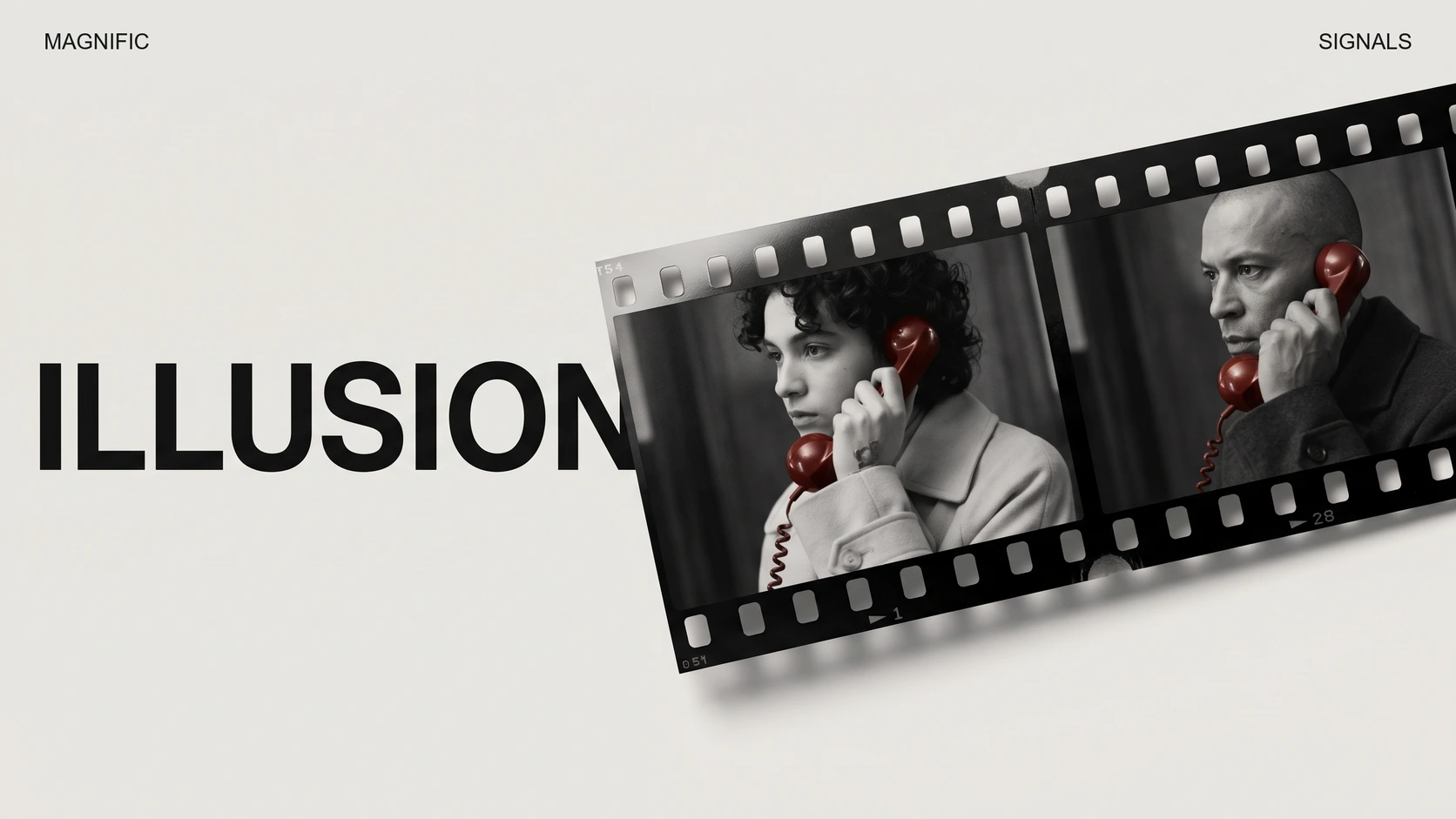
Tools / Analysis
Pika Enact lets a director give the next note during the take
Two performers rehearse an argument about an unanswered call. Pika’s research preview lets the director coach their lines, call action and change the shot while it is being generated.
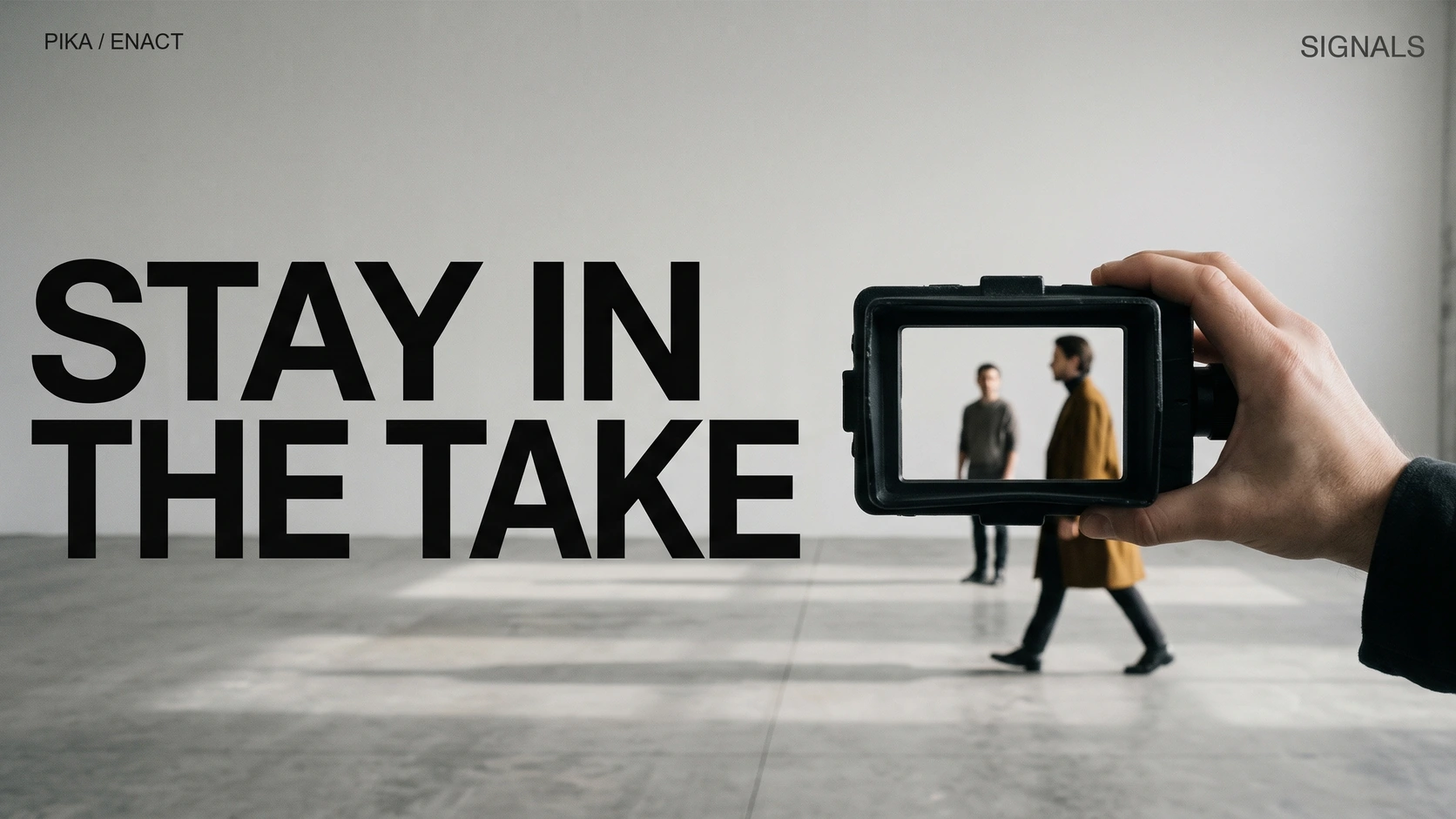
Alice says she called twice. Bob says he was working. They stand together in a bare hall, she in a coat with a thick collar, he in a pale jacket. Down in the corner, a woman is giving them notes. She works with Alice on the accusation, then turns to Bob’s reply. When she asks for the argument from the top, the pair have something to play besides the words. One of them is supposed to leave the other standing there.
The two performers are generated. This is the rehearsal Pika published with Enact, its research preview presented on November 18. Built on Pika H3 Flex, the system produces sound and picture as a scene unfolds. Its three demonstrations address three different people on a film set: the director coaching a performance, the person marking where someone should stand, and the operator deciding where a camera should go.
The pause before the answer
In the rehearsal, watch the change around 1:30. The director has already coached the words. Now she describes how the scene should end: Alice is to turn away and walk out, Bob is to remain there, stunned. Later the two-shot gives way to a closer view of Bob alone and then to a view past Alice’s collar towards him. This cut is a useful reminder of how little a transcript tells you. The same line lands differently depending on whether you can see the person hearing it.
Pika says that calling action generates a fresh take from the first frame, incorporating the rehearsal notes. The recording on its site runs about two and a half minutes. The company says it shortened the demonstration and added the subtitles and the director’s webcam inset afterwards. The clip lets us inspect the exchange and its staging. A stopwatch laid against the edited film would tell us little about the wait between a real user’s note and the first visible response.
Alice and Bob rehearse their argument
The director works on the lines, then the ending. Pika edited the clip for length and added the inset and subtitles.
Pick up the performer
The staging example starts by a pool table. A red mark appears on the performer. They rise above the green felt, travel sideways and come down again as the room stays in view. In a gallery a few seconds later, a figure is lifted clear of the floor in front of a painting. Pika marks the held mouse button in red and its release with a white ring. Even with the sound off, you can distinguish an operator’s input from the resulting movement.
Training that control poses an unusual photographic problem. To learn which part of a moving picture a cursor changed, a model needs two versions of the same moment. A camera records only one. Pika describes making paired training clips with a 3D stand-in moved along a known path, then rendering that intervention over the scene. The cursor position and button state can be recorded precisely. The original video gives the system a reference for what should stay put while the body moves.
Sources: Pika [1]
Moving a performer in a playing scene
Red marks a held mouse button. Look at where the feet meet the floor as the performer is set down.
Move the camera and the audience appears
The sixteen-second camera comparison places two views of a woman in a full skirt and a man on a stage side by side. In the source view the staircase is behind them. On the right the virtual camera travels around the woman. By the time it reaches her back, there are seats and people beyond her. A flat crop of the left image could never show those seats. The new view asks the generator to supply what the original angle concealed. For a director, that makes the camera control a decision about the set as well as the frame.
Ordinary users cannot yet open Enact and repeat that move. Pika invites inquiries for demonstrations and integration discussions. Its accompanying research describes streaming short portions of the scene and retaining information from earlier frames. The revealing trial, once others can run it, will be the return journey. Circle the performer, note who is in the front row, then come back around. A plausible new angle is one achievement. Finding the same audience in their seats on the next pass would make it a set you could return to.
Sources: Pika [1]
The original stage view and the virtual camera
The source stays on the left. On the right, watch the background as the angle moves behind the performer.
SOURCES & METHOD
The record behind the article
Checked 18 November 2026. Technical claims are grounded in developer documentation; videos are credited to their creators. Company claims and third-party reviews are attributed in the text; conclusions are editorial analysis. No original comparative testing of these releases was conducted for this article.