Tools / Analysis
Magnific Illusion puts two new leads through the same three shots
A rainy crossing, a keyhole dance and a fashion sequence make an unusually useful test of recasting. Each asks the replacement performer to inherit something different.
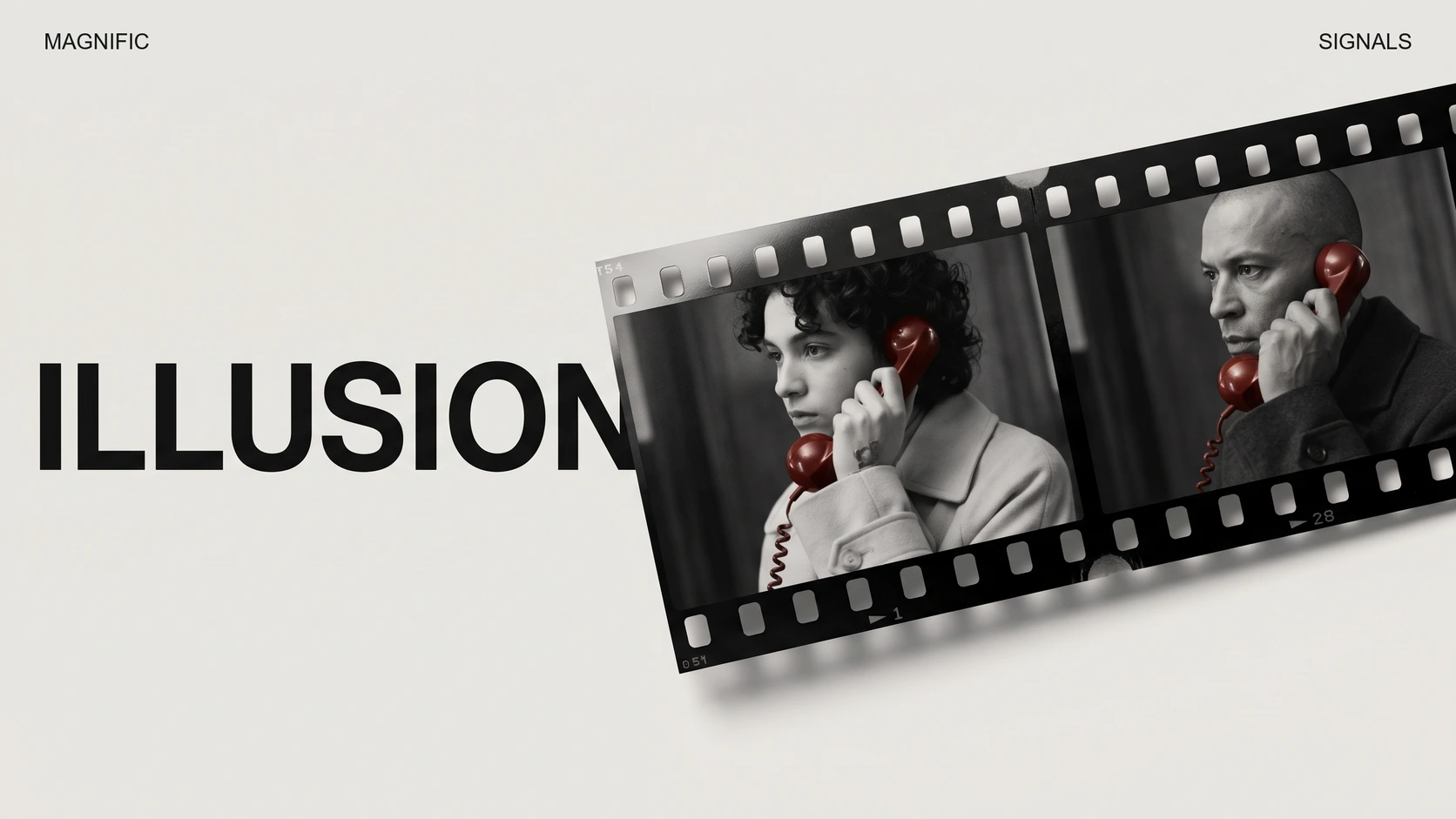
Three narrow films play side by side. On the left, a figure stands on the white stripes of a wet London crossing. In the middle, the camera peers through a keyhole into a room. On the right, a fashion shoot cuts from a face to a shoe. Halfway through Magnific’s example, a second lead inherits all three situations. The location has already been scouted, the framing chosen and the timing set. What changes is who gets the part.
The frame comes first
Magnific introduced Illusion on November 17 and published this worked example the following day. Seedance 2.5 powers the tool. Magnific says it can change the person, an outfit, a product or the overall look of a video. In the example the operator opens a template, selects the person and supplies a reference portrait. The company shares the two portraits and the prompts in the thread beneath the film.
Each portrait does several jobs. At the crossing, the frame leaves enough room for the body and for the city reflected in the asphalt. The keyhole supplies a fixed boundary. A dancer can move freely in the room and still disappear abruptly behind that dark edge. In the fashion sequence the edit itself becomes a constraint. A face in one shot and a jacket in the next must still appear to belong to the same person.
Sources: Magnific [1] · Magnific [2]
Two references, three settings, one recasting demonstration
Loading post from X…
Watch the middle strip once for the entrance, then the strip on the right for the cuts. Magnific publishes the references and prompts in the original thread.
A narrow opening makes a demanding audition
Replay the centre strip on its own. An empty space is visible at the start, then a performer crosses into the opening. At roughly eight seconds the next performer occupies the same little stage. The shape of the opening gives the eye a stable point of comparison. It is easier to notice the timing of an entrance here than in a rapid montage of unrelated generated shots.
One useful editing exercise follows directly from the three-way comparison. Cover the other two strips and watch the fashion sequence through once without pausing. Can you follow the same lead across the cut? On a second pass, stop where a hand or a garment crosses the face. Those two viewings ask different questions. An audience may follow an action perfectly well while a single frame still needs repair for a poster or a close crop.
Sources: Magnific [2]
A closer look at the dance through the keyhole
Loading post from X…
Magnific isolates the dance template so the timing of each entrance is easier to see.
What carries over from the original take
Magnific lists the web product, its desktop and mobile apps, and MCP access. The same creative bargain applies across them. Someone who likes a shot’s blocking can keep that decision in play while trying a new lead. Someone who needs the replacement to hesitate in a doorway for an extra beat is asking to change the performance and perhaps the cut. The three templates make the dividing line unusually clear. Recasting can preserve an editor’s timing precisely where directing a different performance would require changing it.
Sources: Magnific [1] · Magnific [2]
SOURCES & METHOD
The record behind the article
Checked 18 November 2026. Technical claims are grounded in developer documentation; videos are credited to their creators. Company claims and third-party reviews are attributed in the text; conclusions are editorial analysis. No original comparative testing of these releases was conducted for this article.