Tools / Analysis
Midjourney restyles a pair of wings without a word of instruction
One standing figure holds its place while feathers become brushwork, a blue silhouette and a field of tiny ornaments. The reference carries the instruction.
A figure stands with its wings spread almost to the edges of a square. In one version the feathers are black and the background is nearly white. In another the whole figure is blue, with orange lines at its feet. Near the end, curls of pale ornament fill the body and wings. Midjourney’s eleven-second reel makes the subject easy to recognise throughout, although some of its details would be hard to match from one frame to the next.
Two images with different jobs
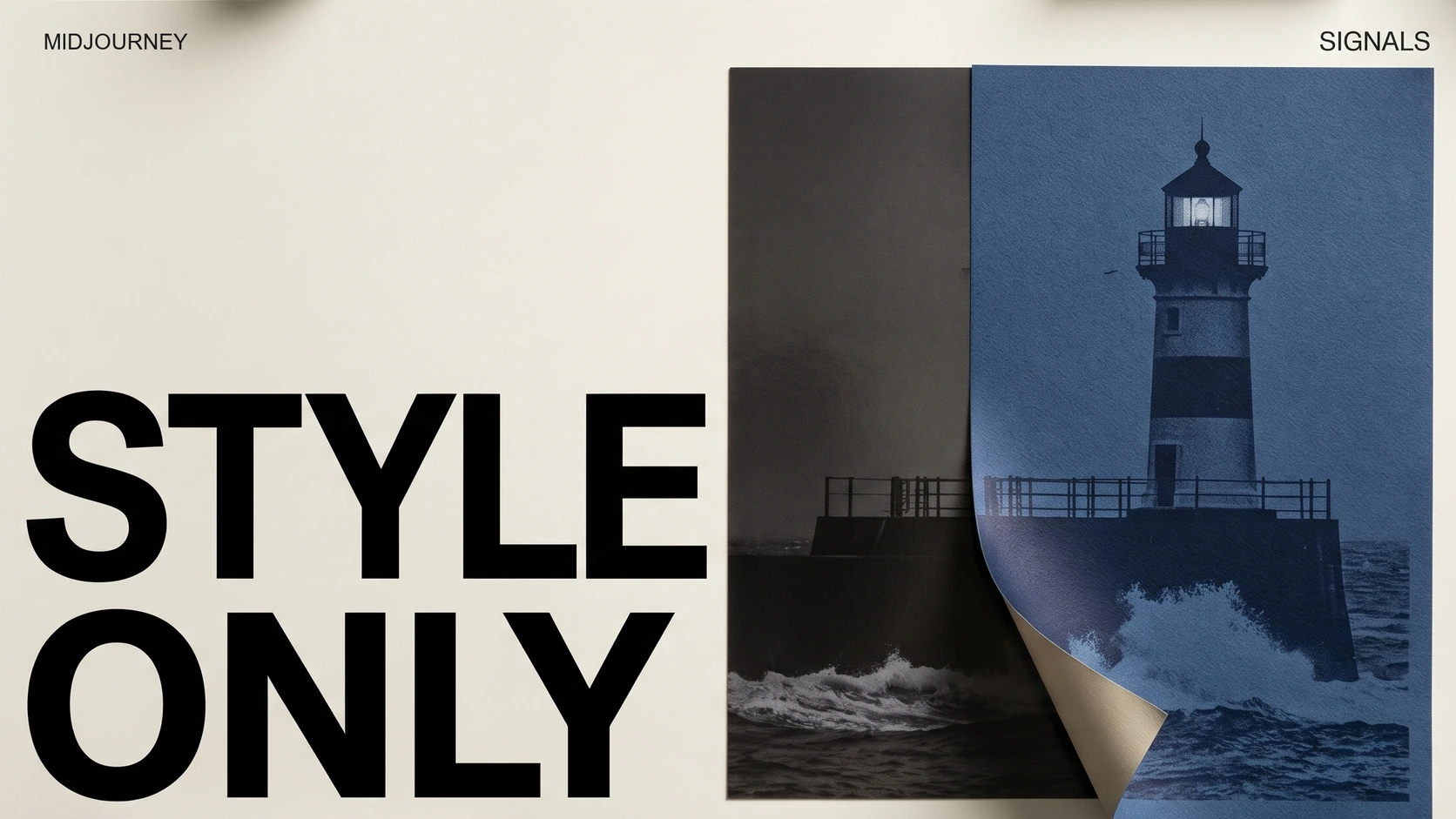
On November 17 Midjourney showed how to make an edit with an empty text field. Put the picture to be edited under Attach to Prompt in the prompt bar. Then supply a moodboard, a style code or an image as a style reference, and submit. The first picture selects the subject of the edit. The second input describes, in visual terms, how the result might look. It is possible to ask for a new rendering without first finding words for the particular marks you like.
That separation is worth keeping when building a small library of looks. A single reference lets an illustrator point to a specific treatment. A board can collect a family of examples. A saved code is convenient when a colleague needs to try the same style on a different source. Reusing the visual instruction gives both people a common starting point. It does not fix every line the model will draw.
Sources: Midjourney [1] · Midjourney Docs [2]
Midjourney’s winged figure across styles
Loading post from X…
Compare the black silhouette near three seconds with the pale outline around seven and the blue figure near eight.
What survives the edit
Pause the embedded film around three seconds. The figure can be read from the black outline of its shoulders, wings and legs. At about seven seconds, the pale body is described by a thin contour and coloured washes. A later version turns the figure into a dense pattern against the mottled background. From across a room, all three read as the same motif. At the size of a book illustration, the gaps between feathers and the treatment of the clothing are plainly different.
For an art director choosing a treatment for a title sequence, that shift can be precisely the point. Does the silhouette still read when reduced to a small credit? Is the patterned version asking the audience to look at the wings when the title needs its attention elsewhere? These are choices the published study actually makes visible. The reel offers no evidence that a logo, a costume seam or an actor’s likeness would survive with the same precision.
Sources: Midjourney [1]
A fair comparison starts with one source
Midjourney’s documentation lists the Edit model for versions 8.1 and 8.2 and distinguishes an image-wide instruction from a targeted change in the Editor. The practical news here is the short route from an existing picture to a style variation. To pick a direction for a project, hold the source image still and change one reference at a time. Keep the source beside each candidate. Once the form of a wing starts to matter as much as its texture, the original is the only frame that tells you which decision you have just handed over.
Sources: Midjourney Docs [2] · Midjourney [1]
SOURCES & METHOD
The record behind the article
Checked 18 November 2026. Technical claims are grounded in developer documentation; videos are credited to their creators. Company claims and third-party reviews are attributed in the text; conclusions are editorial analysis. No original comparative testing of these releases was conducted for this article.
- Style-only edits from the prompt bar Midjourney
- Edit model, compatible versions and image controls Midjourney Docs