Tools / Analysis
Imagination Studio puts 61 creative apps on your own machine
Keys and Sam Wasserman bring a local filmmaking toolkit behind one searchable launcher. The useful detail is what those 61 apps actually do—and what kind of computer they need.
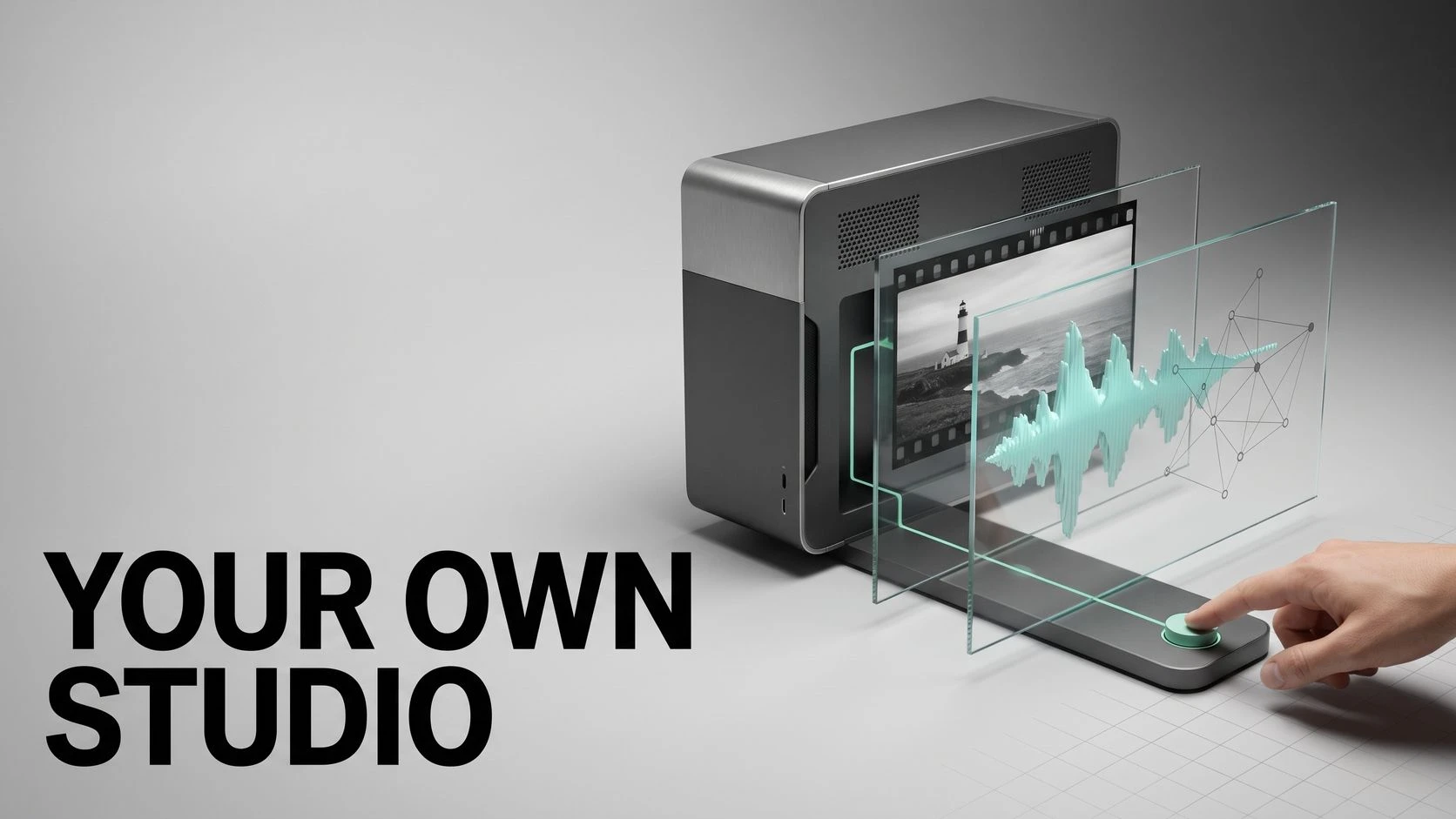

Imagination Studio’s latest releases make a complicated local AI filmmaking setup easier to navigate: a searchable catalogue of 61 apps on NVIDIA DGX Spark, followed by support for several local GPU workers. Both releases appear in the project’s GitHub history on 30 October. The studio is a collaboration between Keys, who publishes as drowzeys, and filmmaker Sam Wasserman.
Each app is an entry point into an existing model or production action, with its starting settings already selected. The catalogue lets a creator look for the change they want—replace a character, extend a clip, add captions—then open the relevant controls.
A catalogue that opens the right tool
Version 4.3.0 groups the apps into nine categories, including camera, characters, sound and finishing. Selecting one opens the studio’s existing form with the relevant model, LoRA or starting configuration already chosen. The release notes explicitly say the catalogue introduces no new engine or server route.
A tool the machine cannot run explains the restriction on its card. For a creator working across pictures, video and sound, that makes the launcher a map of what the current installation can actually do.
Sources: Imagination Studio / GitHub [2]
Local comes with a hardware bill
The documented pipeline spans pictures, video with sound, voices and music. On DGX Spark, the core installation needs 125 GB of free disk space; the full installation is around 400 GB.
Version 4.3.1 raises the default Mac installation requirement to 96 GB of memory; an image-only installation still needs 48 GB. It also adds workers for up to four NVIDIA GPUs on one Linux machine. The developers distinguish their simulated-card tests from simultaneous rendering on two physical cards, which they say they did not test themselves.
Sources: Keys / Sam Wasserman / GitHub [4] · Imagination Studio / GitHub [3]
The source is open. The dependencies have their own terms
The repository carries an Apache-2.0 license. That does not make every downloaded model or connected component Apache-licensed: some weights require accepting separate terms, and the Finish workflow uses Tesseract, which the README describes as free under Mirage’s terms but not open source.
The meaningful proposition is control over an assembled creative workflow on your own hardware. Whether it replaces a particular commercial service depends on the tasks and results. The published code and documentation give creators something concrete to evaluate; a tool count alone cannot answer that comparison.
Sources: Imagination Studio / GitHub [5] · Keys / Sam Wasserman / GitHub [4]
SOURCES & METHOD
The record behind the article
Based on the public repository, release notes, hardware documentation and license, checked on 31 October 2026. We did not install the application or compare its output with Higgsfield. Feature descriptions and hardware requirements are the developers’ documentation.
- Imagination Studio by Keys and Wasserman Keys / Sam Wasserman / GitHub
- Imagination Studio 4.3.0: Apps catalogue and release history Imagination Studio / GitHub · 2026-10-30
- Imagination Studio 4.3.1: local GPU workers and Mac memory requirements Imagination Studio / GitHub · 2026-10-30
- Imagination Studio README: hardware, installation and components Keys / Sam Wasserman / GitHub
- Imagination Studio Apache-2.0 license Imagination Studio / GitHub