Tools / Analysis
HeyGen brings a speaker’s hands into the ComfyUI workflow
A pharmacist can point to the counter on the word that names it. HeyGen’s examples explain what gesture direction buys, and why its 84.4% headline needs a denominator.
A man in a white sweatshirt stands outside in front of a hedge. Give him the part of a pharmacist. In the demonstration he welcomes a customer, mentions the counter and offers water. In HeyGen’s published prompt, each phrase has a small piece of stage direction. The greeting gets a thumbs-up. At the mention of the counter, an index finger points to the side. On the offer of water, the hand waves. The words give the model a clock for the body. A gesture half a sentence early could send the customer looking for the wrong thing.
An action on a word
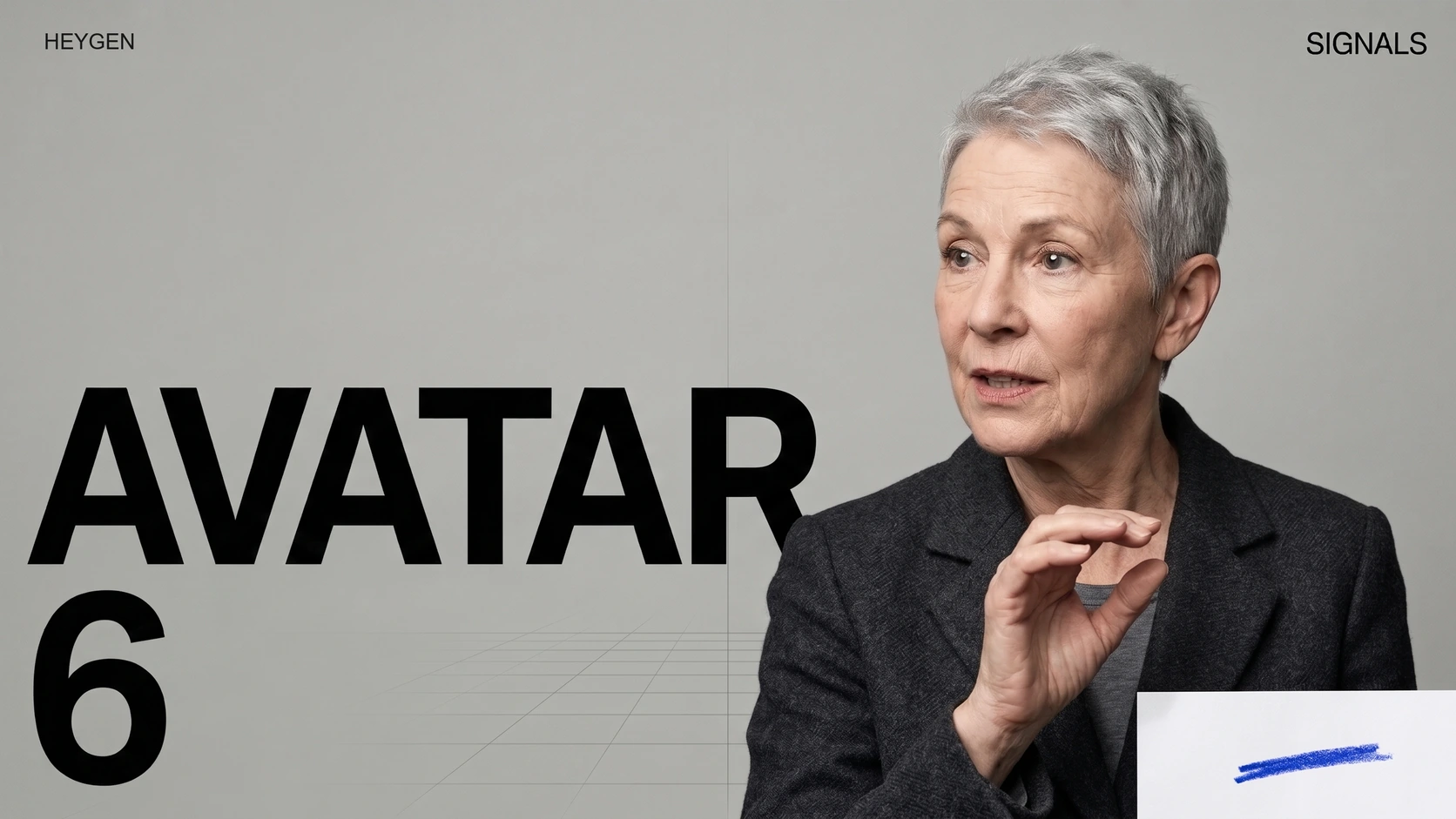
HeyGen introduced Avatar 6 on November 17. The same day ComfyUI announced it as a Partner Node. Give the node a face and a voice, then describe motion in ordinary language. ComfyUI lists a photo, a reference video or a HeyGen avatar as possible starting points. An editor who already builds a sequence in ComfyUI can bring the presenter into that workflow. A partner integration gives access to the service through the graph.
In the embedded ComfyUI reel, watch the speaker in a short-sleeved shirt in front of broad green leaves. Around thirteen seconds he raises one finger. Later, a man in a diner brings both hands to his head. Those are quite different demands on the image. A single finger must stay readable against the torso. Two hands crossing the hairline have to touch the head convincingly while the face remains recognisable.
Sources: HeyGen [1] · ComfyUI [2] · HeyGen Research [3]
The Avatar 6 performance reel from ComfyUI
Loading post from X…
At about thirteen seconds, look at the extended finger. The later diner shot brings both hands across the hairline.
The pharmacist’s greeting, point and wave
Listen for the phrase about the counter and watch when the index finger moves. HeyGen publishes the motion cues alongside this demonstration.
Where 84.4% came from
HeyGen also asked raters to compare a real recording with a generated version of the same person speaking the same sentence over the same audio. In 270 paired answers, the generated clip was picked as real 42.2% of the time. Random guessing between two choices would average 50%. Divide 42.2 by 50 and you get the 84.4% in HeyGen’s headline. The count is of answers. The experiment does not say that 84.4% of viewers were fooled.
Changing the question changed the result. When HeyGen showed one clip at a time and asked whether it was real, 65.1% of answers classified Avatar 6 with the person’s own voice as real. Actual recordings received that answer 78.9% of the time. These figures offer an instructive baseline: even the camera original did not convince every observer. All of these comparisons come from the company’s own evaluation.
Sources: HeyGen Research [3]
A better audition for a presenter
For a presenter explaining where to go or which object to pick up, a small failure of timing matters more than a flattering realism score. A useful audition would take the same sentence twice and move the pointing cue from one noun to the next. The audio and face would stay fixed. The viewer could then answer a practical question with no knowledge of generative video: which object did the presenter ask you to look at?
Sources: HeyGen Research [3] · ComfyUI [2]
SOURCES & METHOD
The record behind the article
Checked 18 November 2026. Technical claims are grounded in developer documentation; videos are credited to their creators. Company claims and third-party reviews are attributed in the text; conclusions are editorial analysis. No original comparative testing of these releases was conducted for this article.