Tools / Analysis
Comfy Cloud now lets a studio share the setup behind a workflow
A workflow file can describe every connection and still leave a colleague hunting for the right model. Comfy’s paid cloud builds package those missing pieces.
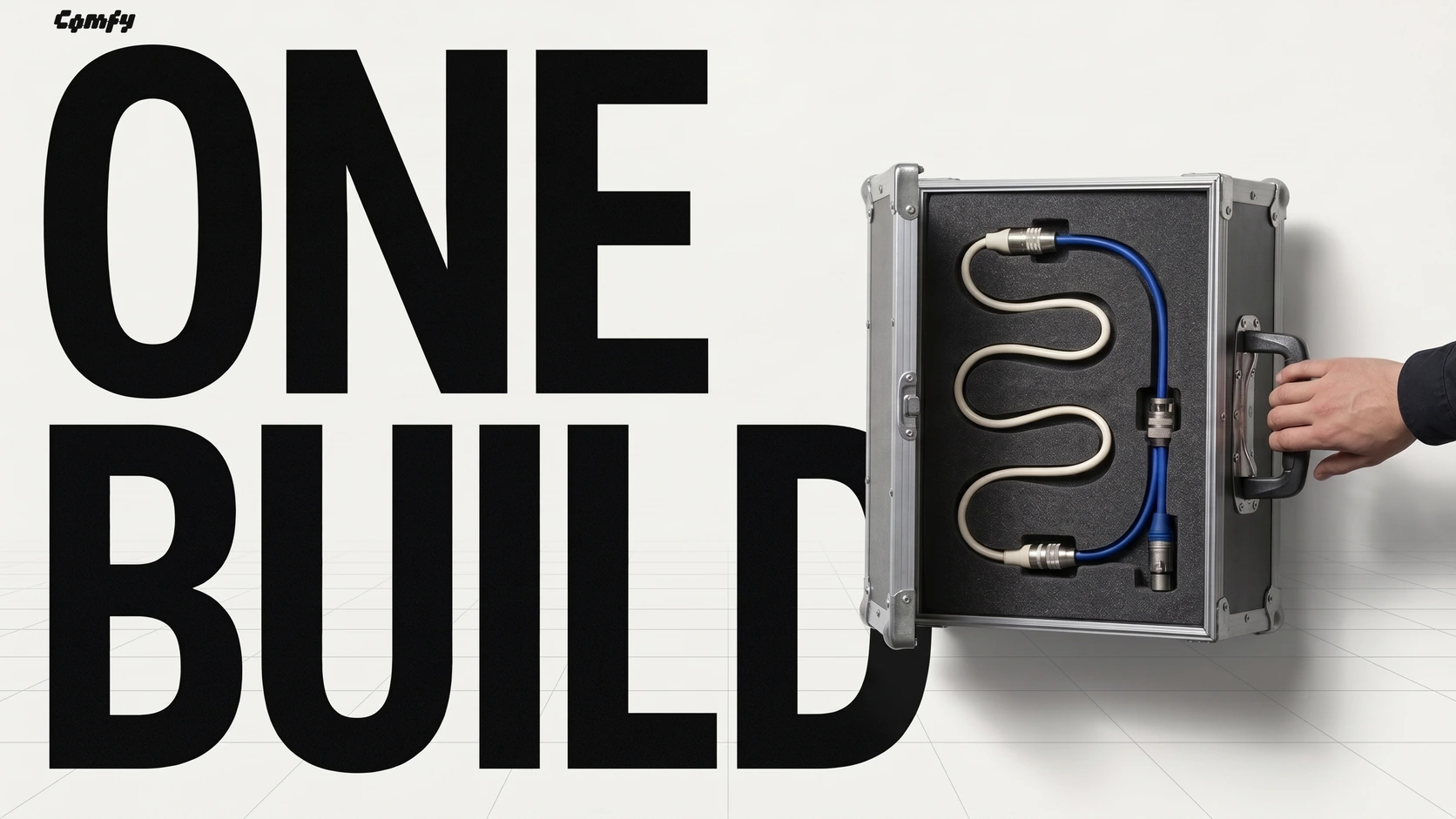
A ComfyUI graph is a set of instructions. It can say which model to load, which node should receive its output and how big the resulting image should be. Send the graph to a second artist and the instructions travel beautifully. A node written in-house and a particular set of model weights may still be sitting on the first artist’s machine.
On November 18, Comfy made Custom Builds available on every paid Comfy Cloud plan. A build gathers the supported nodes, models, LoRAs and software dependencies into an environment that opens in the browser. Inviting colleagues into the same workspace is a Team-plan feature.
What travels with the graph
The person maintaining the pipeline can start from an existing workflow or a snapshot of Comfy Desktop. The builder looks for the nodes and models it needs and helps resolve conflicting dependencies. It can include private node packs. Comfy advises checking support for complex packs before deploying them.
Once deployed, the build can serve several different graphs. An artist can change a connection on the canvas while a developer calls a workflow through the API using the same environment. A new shot can reuse existing components. Adding a new model to the studio’s toolkit is the kind of change that calls for a build update.
Sources: Comfy [1] · Comfy [2]
How a custom build opens in Comfy Cloud
Comfy demonstrates its cloud editor. The build supplies the nodes and models available to workflows on the canvas.
When the GPU clock starts
Opening the canvas to examine someone’s work does not start a GPU. A running worker does incur charges, including the time it stays warm between jobs. At launch Comfy listed rates from $1.75 to $11.23 an hour, billed by the second, with network storage for models billed monthly. Standard and Creator allow two simultaneous jobs per build, while Team allows up to twenty.
That separation matters on a revision. A team can spend an afternoon discussing a graph without paying for an afternoon of GPU time. Leave a worker warm so the next variation starts promptly, and that wait becomes part of the cost of the shot.
Sources: Comfy [1]
SOURCES & METHOD
The record behind the article
Checked 19 November 2026. Technical claims are grounded in developer documentation; videos are credited to their creators. Company claims and third-party reviews are attributed in the text; conclusions are editorial analysis. No original comparative testing of these releases was conducted for this article.