Tools / Analysis
Apple wants to keep you in the edit
What closer connections between creative tools could change about revising a film — and what to check before switching plans.

Apple’s 27 October announcement includes a small but consequential promise: edit a timeline image in Pixelmator Pro and save it back automatically. Creator Studio subscribers are due to receive the update in November.
The cost of a small change
A revision has two parts: changing the image and making sure the edit now uses the changed image. The first is creative work. The second is a question of versions, files and project state. Reducing that second burden is a useful ambition for a collection of creative applications.
Pixelmator Pro already combines layers, masks, colour adjustments and vector tools. Layers keep elements separate; masks control which parts remain visible. In a layered document, lettering can stay independent of a photograph beneath it. A flattened image can still be edited, but it no longer contains those separate elements. These distinctions determine what a later revision involves inside the image editor.
Sources: Apple Newsroom [1] · Apple [3]
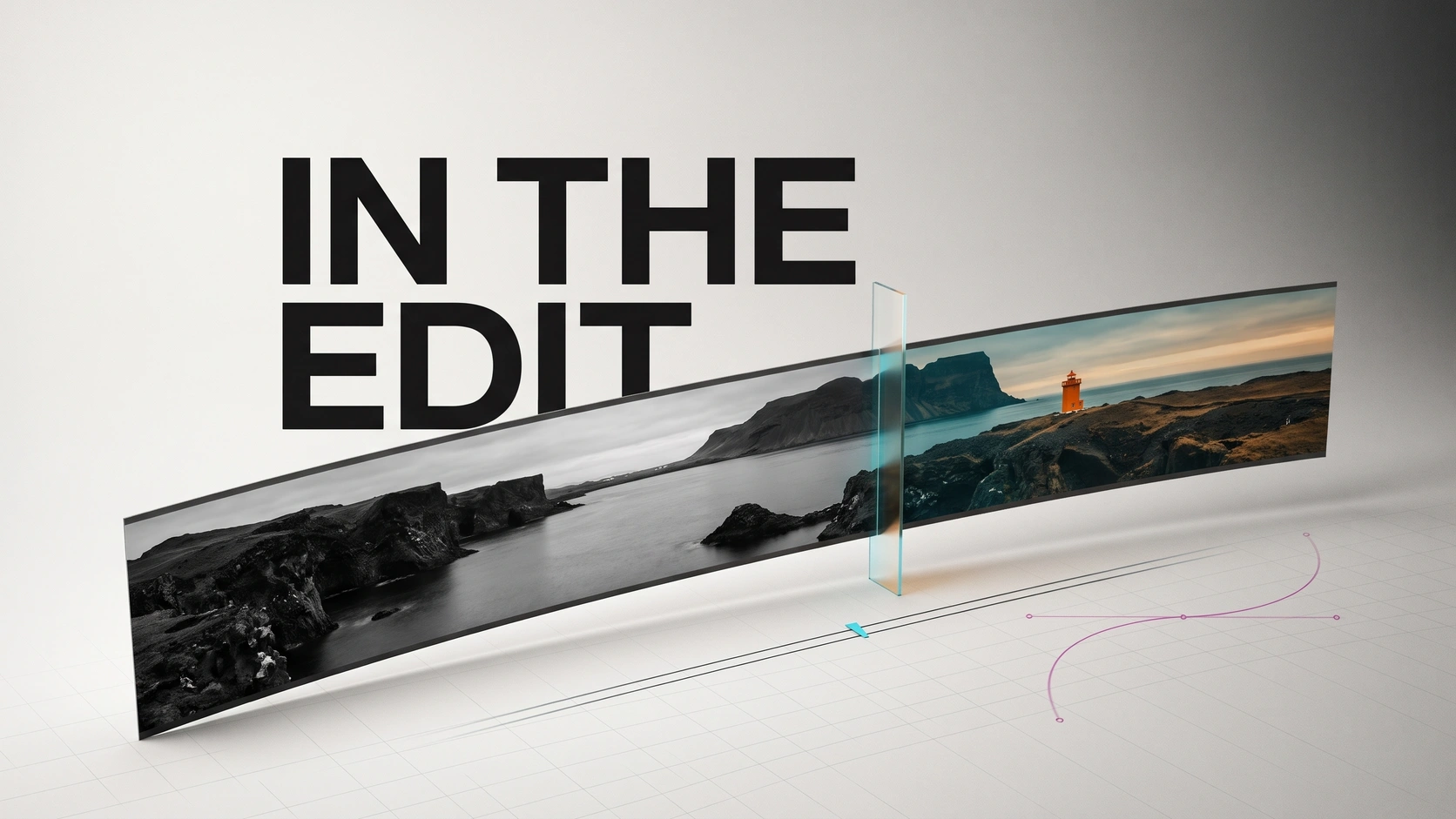
Apple’s view of the connected workflow
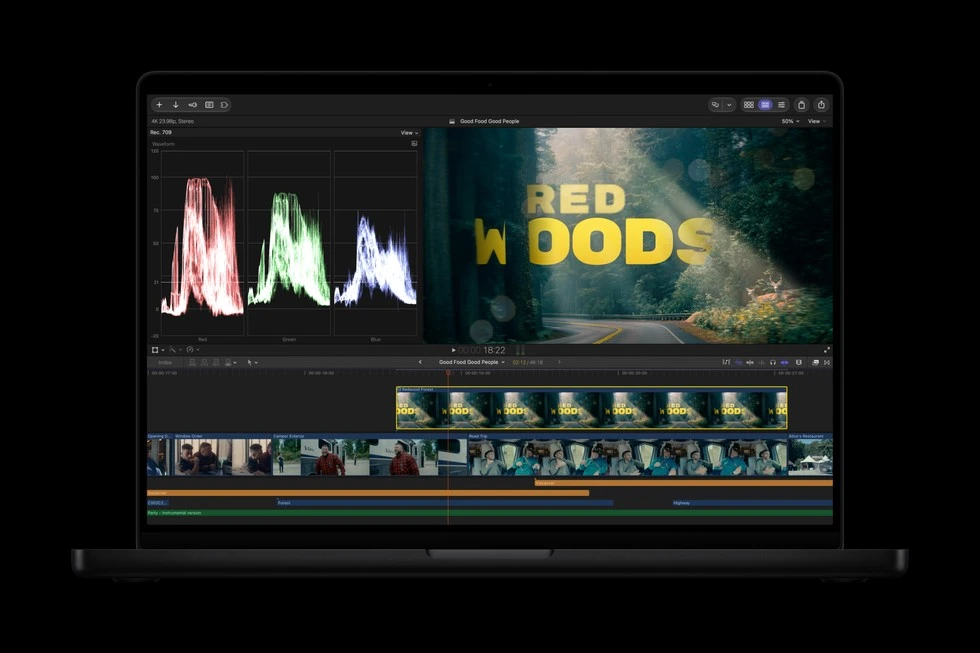
Official product image supplied with the announcement.
Motion design moves closer to the timeline
MotionVFX separately confirms that its tools and motion-design library are joining Creator Studio and will integrate directly into Final Cut Pro. The company says existing MotionVFX plans will remain active and supported. Its announcement does not require customers to abandon a working setup today.
The existing toolkit covers distinct jobs: tracking follows movement; rotoscoping isolates a subject across frames; grading shapes colour and contrast; templates provide a starting structure for titles and graphics. Putting them within easier reach can shorten the route from noticing a problem to trying a correction.
Final Cut already connects editing, effects and delivery through Motion and Compressor. The new integration develops that existing approach. For someone building a sequence, the meaningful question is how readily an effect can be adjusted in context: its entrance, duration, position and relationship to the next shot. A larger catalogue is valuable when it leaves those decisions accessible.
Sources: MotionVFX [2] · Apple [4]
What your subscription buys
Creator Studio costs $12.99 a month or $129 a year in the US; eligible students and educators pay $2.99 or $29.99. The bundle includes video, image and music applications. Apple also continues to sell Final Cut Pro as a one-time Mac purchase, while reserving some premium content for subscribers. Compare the particular content you need, rather than treating the two editions as identical.
The November update also introduces generative image tools and beta assistants. The assistants have device and US-English restrictions; MCP support concerns Keynote, Pages and Numbers, not Final Cut Pro. Check the release’s requirements against the machine and application you actually use.
Sources: Apple [5] · Apple [4] · Apple Newsroom [1]
The next revision is the test
In an edit, a title’s timing and an image’s colour are judged against the shots around them. Each trip away from the sequence interrupts that comparison. The value of closer connections lies in those repeated returns: a revision can become part of the film before file handling takes over the session. For a working editor, that is a more useful ambition than simply having more effects to choose from.
SOURCES & METHOD
The record behind the article
Based on Apple’s announcement, product documentation and MotionVFX’s statement. Checked on 29 October 2026. This is an analysis of announced changes, not a hands-on review.
- Apple Creator Studio: October announcement and availability Apple Newsroom · 2026-10-27
- MotionVFX is joining Apple Creator Studio MotionVFX
- Pixelmator Pro: image editing, layers and vector tools Apple
- Final Cut Pro: workflow and purchase options Apple
- Apple Creator Studio: plans and included applications Apple