
Tools / Analysis
Seedream 5.5 brings a 100-edit demo and native transparency
ByteDance's new image model targets the work after a good first result: revising selected details and producing transparent assets. Its demonstrations show the ambition; they do not establish a success rate.
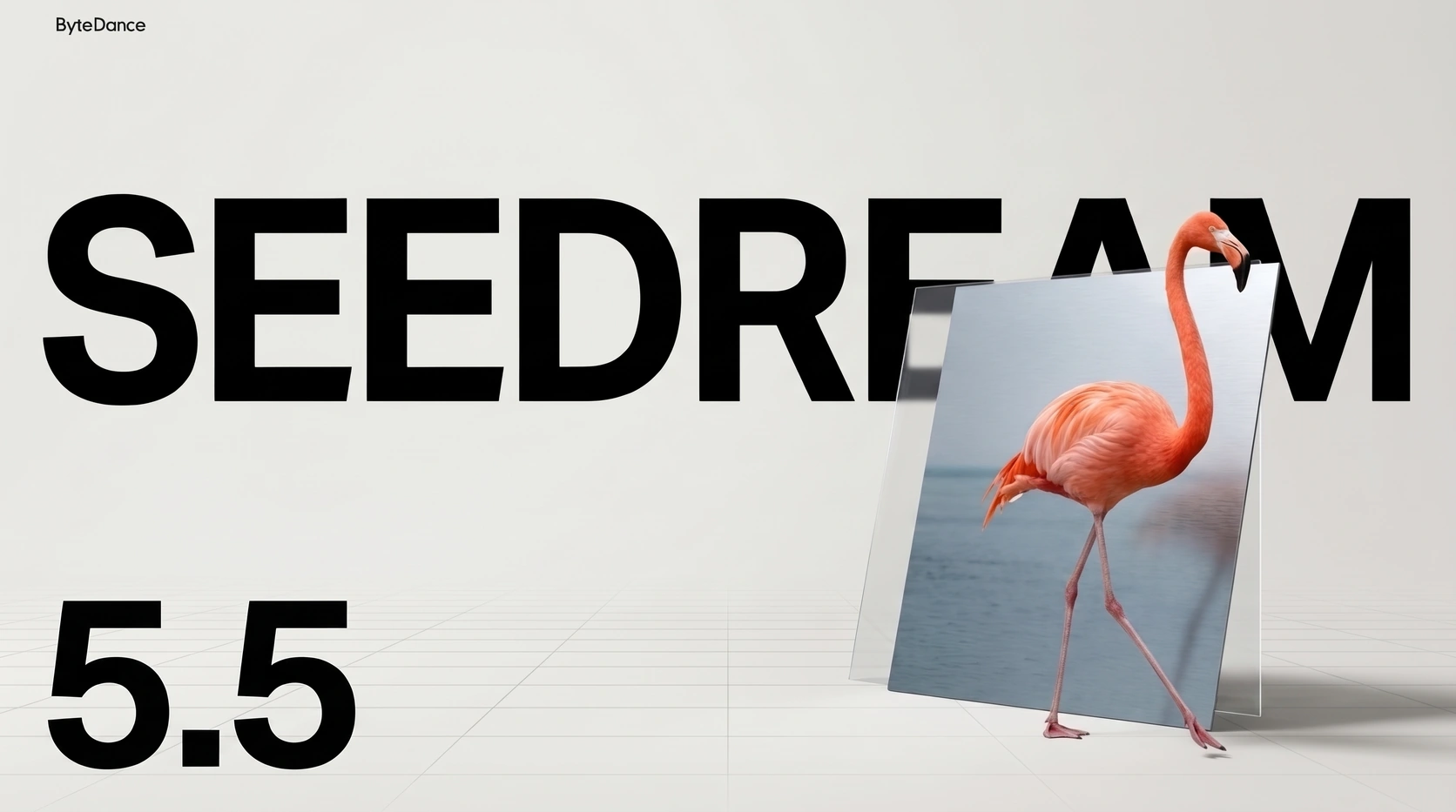
A good generated image is often the start of the job. Change the glasses, keep the face. Replace a prop, keep the hand that holds it. Every new instruction asks the model to separate the part being revised from the decisions already made.
ByteDance announced Seedream 5.5 on 9 November with a company demonstration of 100 successive edits and native RGBA output for transparent assets. Together, these address two practical stages of image work: refining an accepted composition and taking an element out of that composition to use elsewhere.
The previous output becomes the next input
The company's portrait example follows a specific procedure: each result becomes the input for the next instruction. ByteDance says its training helps preserve regions outside the requested change. That is a claim about controlling revisions, not a promise that every image will survive any sequence of 100 requests.
Sequential editing makes small errors consequential. If an unwanted change is accepted in one round, it is now part of the image supplied in the next. A slightly altered face, bent edge or shifted colour can become the starting point for another revision. Keeping the last good version therefore matters as much as writing the next instruction.
The portrait presentation makes that problem tangible. In the frames inspected here, a large hand occupies the foreground while the model's subject wears different glasses, clothes and rings. Those are useful details to examine together: an accessory must fit the finger or face, while everything around it still has to make sense. We reviewed selected frames of the publisher's video, not the underlying generation session.
Sources: ByteDance Seed [1] · ByteDance Seed [3]
ByteDance's successive-editing demonstration
Official presentation, approximately 40 seconds. ByteDance describes a 100-round editing sequence. Selected frames were inspected; the video is not a complete generation log or an independent reliability test.
A room changes, and the comparison gets harder
The official model page offers a second useful example. Sampled frames move from a quiet room with brown bookcases to blue furniture, then green shelving against pink walls. The desk and window help orient the viewer through those changes. A later frame turns the room into a miniature construction on a worktable, so the sequence also includes a deliberate change of representation.
This is where a useful evaluation needs the instructions as well as the pictures. A changed wall is a success if the request asked for it and a failure if it did not. The same applies to perspective and lighting. Recognising the room across frames is a perceptual observation; establishing pixel-level preservation would require aligned originals and a record of which regions were supposed to remain fixed.
Sources: ByteDance Seed [2] · ByteDance Seed [4]
The alpha channel changes what leaves the generator
RGB describes a pixel's red, green and blue components. RGBA adds alpha: a separate value describing opacity. At one end the pixel is fully transparent; at the other it is opaque. Intermediate values allow a foreground element to mix with the background underneath it. Transparency therefore carries information that a picture of an object on white does not.
In a conventional cutout workflow, the background has to be separated from the subject and its edge checked before compositing. Native RGBA moves that deliverable into generation. The model page includes a prompt to extract a flamingo as an RGBA layer, alongside examples of separately generated characters and lettering with transparent surroundings. These describe reusable elements, rather than requiring every output to be a finished rectangular composition.
Alpha also explains why testing against different backgrounds matters. A partly transparent edge contributes some of its own colour and admits some of the backdrop. An unwanted pale fringe may be inconspicuous on white and obvious on a dark layout. Changing the background is therefore a practical way to inspect a cutout, even when the isolated object looks convincing.
ByteDance's owl presentation uses close-ups of feathers and claws to illustrate the asset workflow. Sampled frames show a feather detail enlarged inside a circular inset. That presentation can explain the intended use, but an ordinary video does not expose the underlying alpha values. Assessing edge quality would mean opening the actual RGBA file in a compositor and checking it over several backgrounds.
Sources: ByteDance Seed [2] · ByteDance Seed [5] · W3C [6] · W3C [7]
ByteDance's owl and reusable-asset presentation
Official presentation, approximately 41 seconds. Selected frames show the owl and enlarged feather details. The presentation video is not an RGBA source file and cannot establish the quality of its alpha channel.
Judge the revision, then judge the reusable file
For a useful trial, choose an image where the fixed details matter. Save the original, make a short sequence of targeted changes, and compare the supposedly untouched regions after each round. For the transparency test, use an element with fine edges and place its export over light, dark and coloured backgrounds. These are proposed checks, not tests performed for this article.
Count rejected attempts and the time spent repairing the result. A polished demonstration cannot tell you how often that repair is needed. For production, the useful outcome is an image that accepts the next change without undoing earlier work, followed by an exported asset that survives its destination layout.
Seedream 5.5 is now an official announcement, and its product page links to Dola and the BytePlus playground. We have not verified access or pricing inside an account. ByteDance also says a Pro version will follow; that future version should not be confused with the model announced on 9 November. The release gives creators two concrete things to evaluate now: how much control survives repeated revision, and how cleanly the generated asset can leave the model.
Sources: ByteDance Seed [1] · ByteDance Seed [2]
SOURCES & METHOD
The record behind the article
Checked 10 November 2026. Technical claims are grounded in developer documentation; videos are credited to their creators. Company claims and third-party reviews are attributed in the text; conclusions are editorial analysis. No original comparative testing of these releases was conducted for this article.
- Seedream 5.5 announcement ByteDance Seed · 2026-11-09
- Seedream 5.5 — official model page and example prompts ByteDance Seed
- Official successive-editing demonstration video ByteDance Seed · 2026-11-09
- Official room-editing sequence from the model page ByteDance Seed
- Official owl and transparent-asset presentation video ByteDance Seed · 2026-11-09
- PNG specification — reference image and alpha channel W3C · 2025-06-24
- Compositing and Blending Level 1 — simple alpha compositing W3C · 2024-03-21