
Tools / Analysis
Runway gives coding agents its account context and integration skills in one plugin
The November release packages Runway Dev MCP with guidance for its SDKs and media tools. Agents can inspect available models, prices and failed tasks while building an integration.
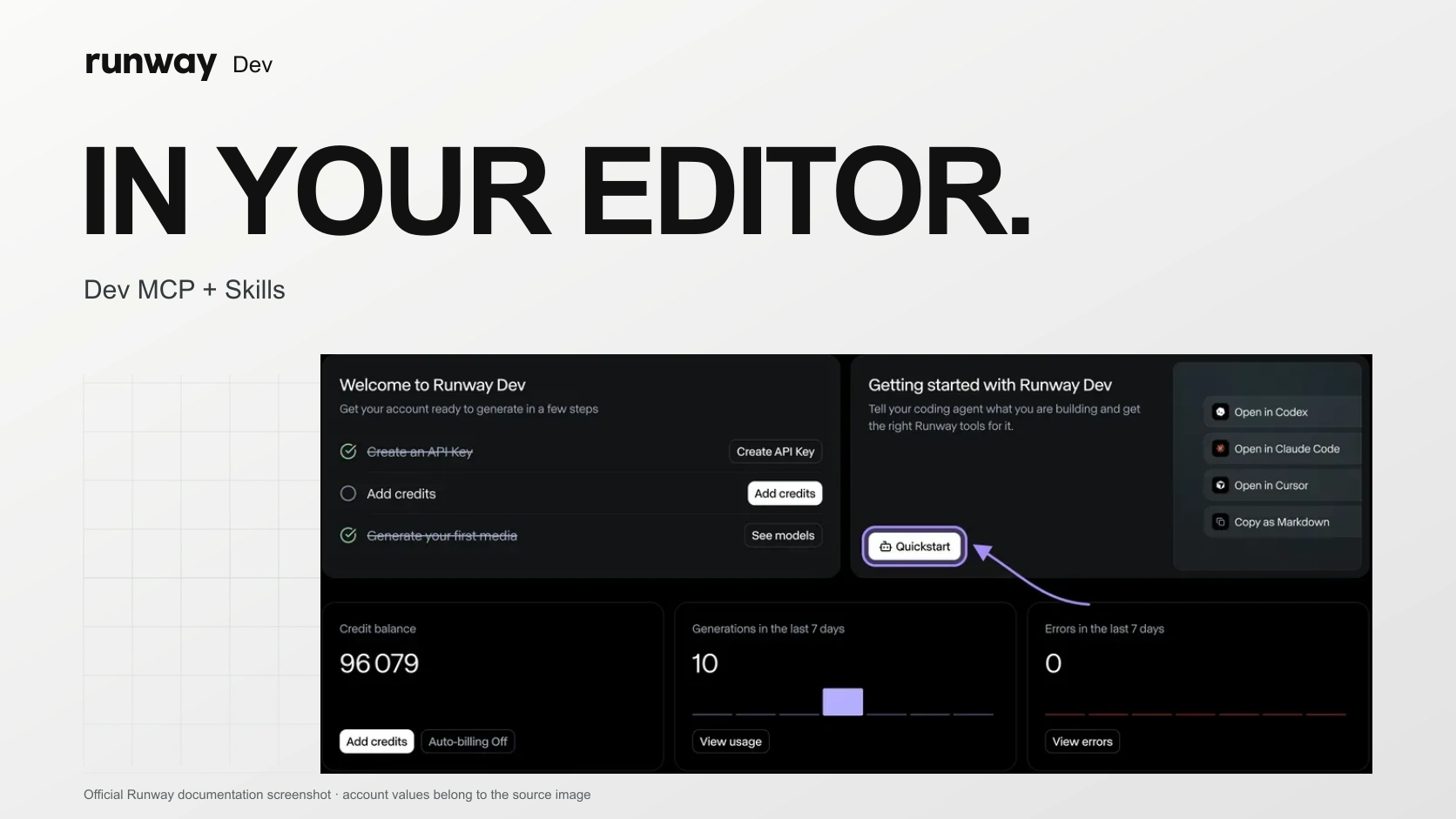
Runway announced plugins for Claude Code, Codex and Cursor on 2 November, bundling its Dev MCP connection and integration skills in one installation. A coding agent can read the project’s available models, prices, input limits and credit balance, then work with Runway’s SDKs and media tools.
Account access and instructions do different jobs
The underlying Dev MCP service launched on 2 September. It lets an agent inspect request schemas and failed tasks: a size limit, moderation rejection or malformed request can become a specific debugging input. It can also configure a Model Router, choosing eligible models and a spending limit, then inspect which model handled a call.
November’s package adds the installation path for this connection alongside skills covering models, routing, Characters, Recipes and Workflows. The distinction matters: the MCP supplies account context and actions; the skills guide how the agent builds with those tools.
Sources: Runway [2] · Runway [1]
Signing in is only one part of setup
The current guide separates Dev MCP from Runway Media MCP, which generates media inside a chat. Dev MCP authenticates through the browser. An application that runs API requests still needs RUNWAYML_API_SECRET in its project environment; the browser sign-in does not replace that credential.
Runway recommends specifying the input assets, required output and budget before the agent chooses an implementation. That is a useful way to review its proposal: ask which model or tool it will call, what each generation may cost and how failure will be handled. The plugin supplies more context for those decisions; it does not establish that the resulting application is correct.
Sources: Runway [3]
SOURCES & METHOD
The record behind the article
Based on Runway’s announcements and developer guide. The plugins were not installed or benchmarked for this article.
- Runway Dev is in Claude Code, Codex and Cursor Runway · 2026-11-02
- Introducing Runway Dev MCP Runway · 2026-09-02
- How to build a generative media integration with your coding agent — updated 2 November Runway · 2026-11-02