
Tools / Analysis
OpenAI releases Images 2.6 with faster models, marked edits and GIFs
Flare handles rapid iteration; Sunburst targets detailed visual work. Separate planning controls, image annotations and new output formats change how an image can be revised.
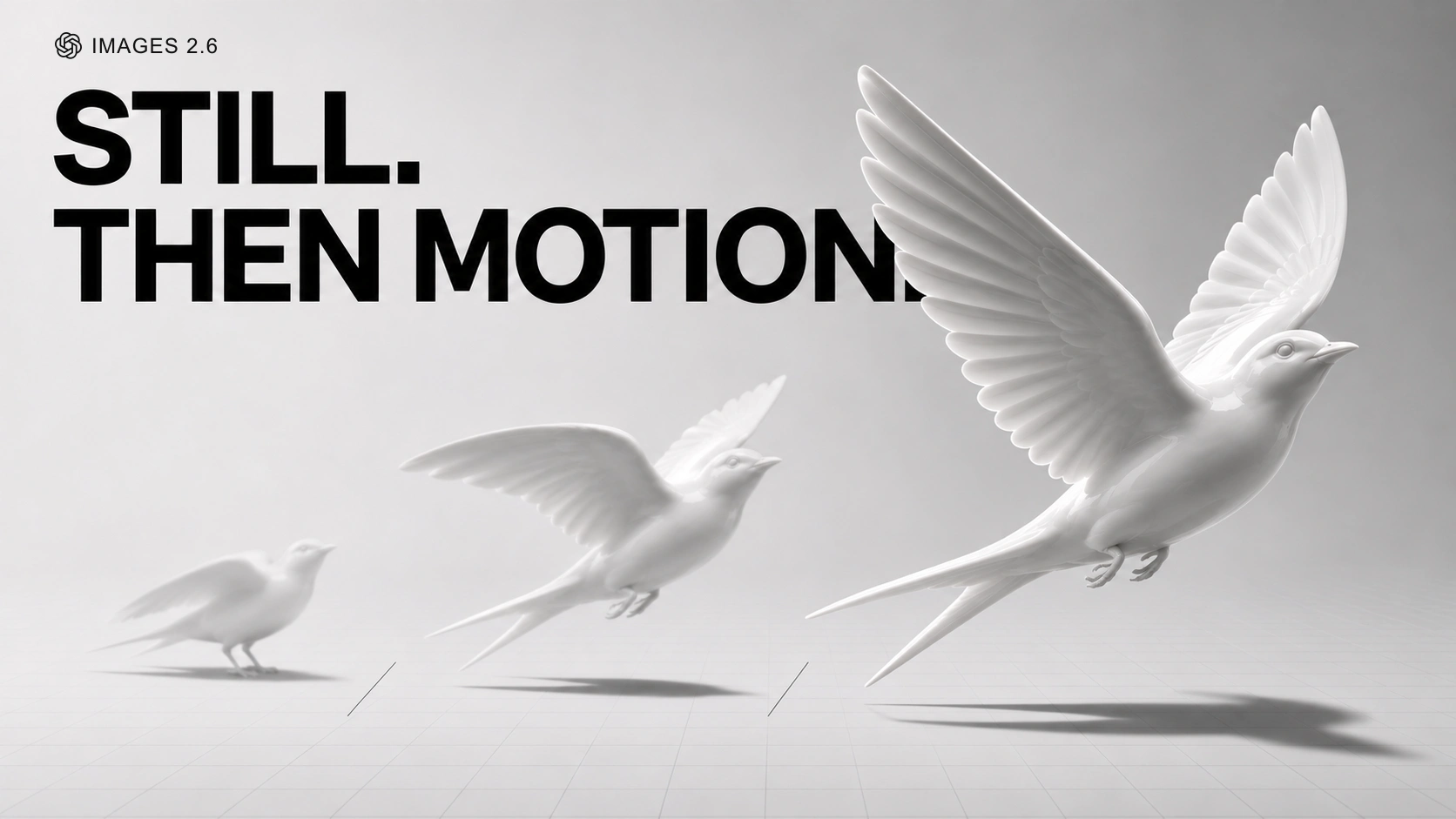
OpenAI released Images 2.6 on 4 November, bringing it to ChatGPT and Codex across all tiers and launching two API models: GPT-Image-2.6 Flare and GPT-Image-2.6 Sunburst. The announcement follows the earlier appearance of the model name in API documentation.
The release adds saved reference images in ChatGPT and begins rolling out GIF creation. In the API, developers can point to a region with a markup layer, adjust planning separately from rendering quality, or request SVG and GIF output under the documented format restrictions.
Choose the model for the stage of work
Flare’s model page positions it for interactive generation and editing; Sunburst’s focuses on detailed compositions. Both accept text and image inputs.
OpenAI says Flare at low quality can return an image in as little as six seconds. It recommends Sunburst at medium or high quality for more precision and consistency across edits. Those are the company’s performance claims; this article does not report a hands-on timing or quality test.
Sources: OpenAI [1] · OpenAI Developers [2] · OpenAI Developers [3]
OpenAI introduces ChatGPT Images 2.6
Loading post from X…
Official launch post; the linked thread covers reference images, GIFs and API availability.
Planning and detail have separate controls
The complexity parameter sets how much planning happens before rendering: low, medium or high, with high as the documented default. Quality controls rendering fidelity separately. The guide cautions that more planning can increase latency and introduce unwanted changes; it suggests lower complexity for focused edits and higher settings for dense text or complicated relationships.
A useful comparison would therefore keep the source image, requested change and output size fixed, then vary complexity alone. Judge whether the requested change landed and whether untouched details moved. Raising every setting at once makes it harder to learn which control helped.
Sources: OpenAI Developers [4]
Show where the change belongs
Markup-guided editing adds a transparent PNG annotation layer over the first input image. Its dimensions must match the oriented image, and the request cannot combine markup with a mask. The overlay identifies the area; the written instruction describes the change. OpenAI’s guide explicitly includes the two 2.6 models in this workflow.
For example, on a product photograph with several similar objects, a circle can identify the intended object more directly than “the one slightly left of centre”. A good edit instruction would also name what must stay: the object’s silhouette, the camera angle and surrounding text. That is a suggested working method, not a claim that the model preserves those elements perfectly.
Sources: OpenAI Developers [5] · OpenAI Developers [4]
SVG and GIF change the deliverable
SVG output produces vector artwork. The guide currently limits SVG to a single generated output, without editing or streaming. GIF output accepts 2–16 frames and defaults to nine. The API reference still specifies preview access for the selected model, so check availability for your account. Masks and partial-image streaming are unavailable for GIFs.
For a motion designer, the interesting experiment is a short repeating gesture or graphic loop, inspected frame by frame for shifting shapes. For a designer working with SVG, it is whether the resulting geometry survives resizing and further editing. A file extension tells you how the asset is stored; it does not establish that the asset is ready to ship.
Sources: OpenAI Developers [6] · OpenAI Developers [4]
The same token price is not a fixed image price
The published standard rates are identical for Flare and Sunburst: $30 per million image output tokens, $8 per million image input tokens and $5 per million text input tokens. Those are usage rates, not prices per finished picture. An editing session also consumes inputs, and its total depends on the work requested.
For an actual production decision, compare the cost of reaching an acceptable image, including retries. A fast first draft is valuable when it accelerates selection; a slower pass may be worth it if it avoids a sequence of repairs. Track elapsed time, the number of attempts and defects that remain at delivery size. That comparison is more useful than treating either variant as the automatic winner.
Sources: OpenAI Developers [7]
SOURCES & METHOD
The record behind the article
Checked 6 November 2026. Technical claims are grounded in developer documentation; videos are credited to their creators. Company claims and third-party reviews are attributed in the text; conclusions are editorial analysis. No original comparative testing of these releases was conducted for this article.
- Introducing Images 2.6 OpenAI · 2026-11-04
- GPT-Image-2.6 Flare OpenAI Developers
- GPT-Image-2.6 Sunburst OpenAI Developers
- Image generation guide OpenAI Developers
- Create image edit OpenAI Developers
- Create image OpenAI Developers
- API pricing OpenAI Developers
- ChatGPT release notes — Introducing ChatGPT Images 2.6 OpenAI Help Center · 2026-11-04