
Tools / Analysis
MeshBlend can keep baked lighting by changing what it stores in the GBuffer
The Unreal Engine plugin can blend meshes while retaining material AO and static lighting. Its alternative encoding changes material precision and patches shaders across an engine installation.
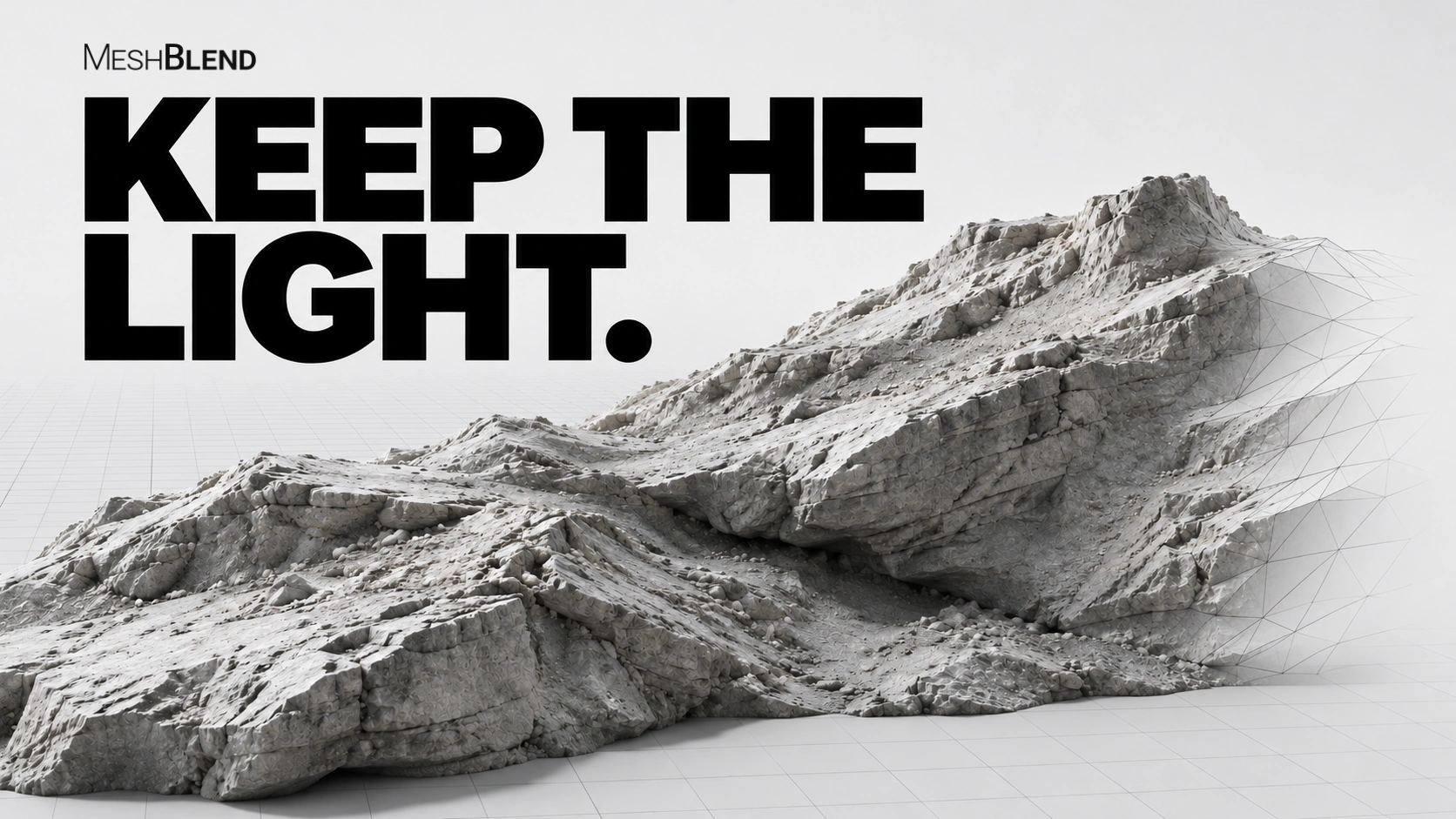
MeshBlend can now combine mesh blending with baked lighting and material ambient occlusion, creator Tore Lervik announced on 4 November. The Unreal Engine 5 plugin blends the appearance of intersecting meshes. The new combination uses an experimental encoding option; the usual route still gives up material AO and static lighting.
Finding room for the blend identifier
MeshBlend stores a per-mesh blend identifier in the GBuffer, the renderer’s intermediate surface data. Its default encoding occupies the material AO channel. GBufferB instead packs Metallic and Specular into one channel, freeing space for the identifier. That preserves AO and static lighting, but reduces material-data precision; metallic pixels use the default Specular value.
Hair and Eye shading models cannot participate in GBufferB blending. Substrate requires UE 5.7 or later with Blendable GBuffer. Lervik’s announcement says the option needs neither extra GBuffer channels nor a custom engine build.
Sources: MeshBlend [3] · Tore Lervik / MeshBlend [1]
SOURCES & METHOD
The record behind the article
Based on the creator’s announcement and current documentation. The plugin’s rendering quality and performance were not independently tested.
- Tore Lervik announces baked lighting and material AO support Tore Lervik / MeshBlend · 2026-11-04
- MeshBlend for Unreal Engine 5 MeshBlend
- MeshBlend — Encodings MeshBlend
- MeshBlend — Setup MeshBlend
- Baked lighting and MeshBlend in the same scene Tore Lervik / MeshBlend · 2026-11-05