
Tools / Analysis
Omni 1.2 in Google Flow: what the last five seconds of a shot cost
A ten-second take at 720p costs 30 Flow credits. A fifteen-second take costs 60. Keeping the first ten seconds and extending the shot changes the bill again.
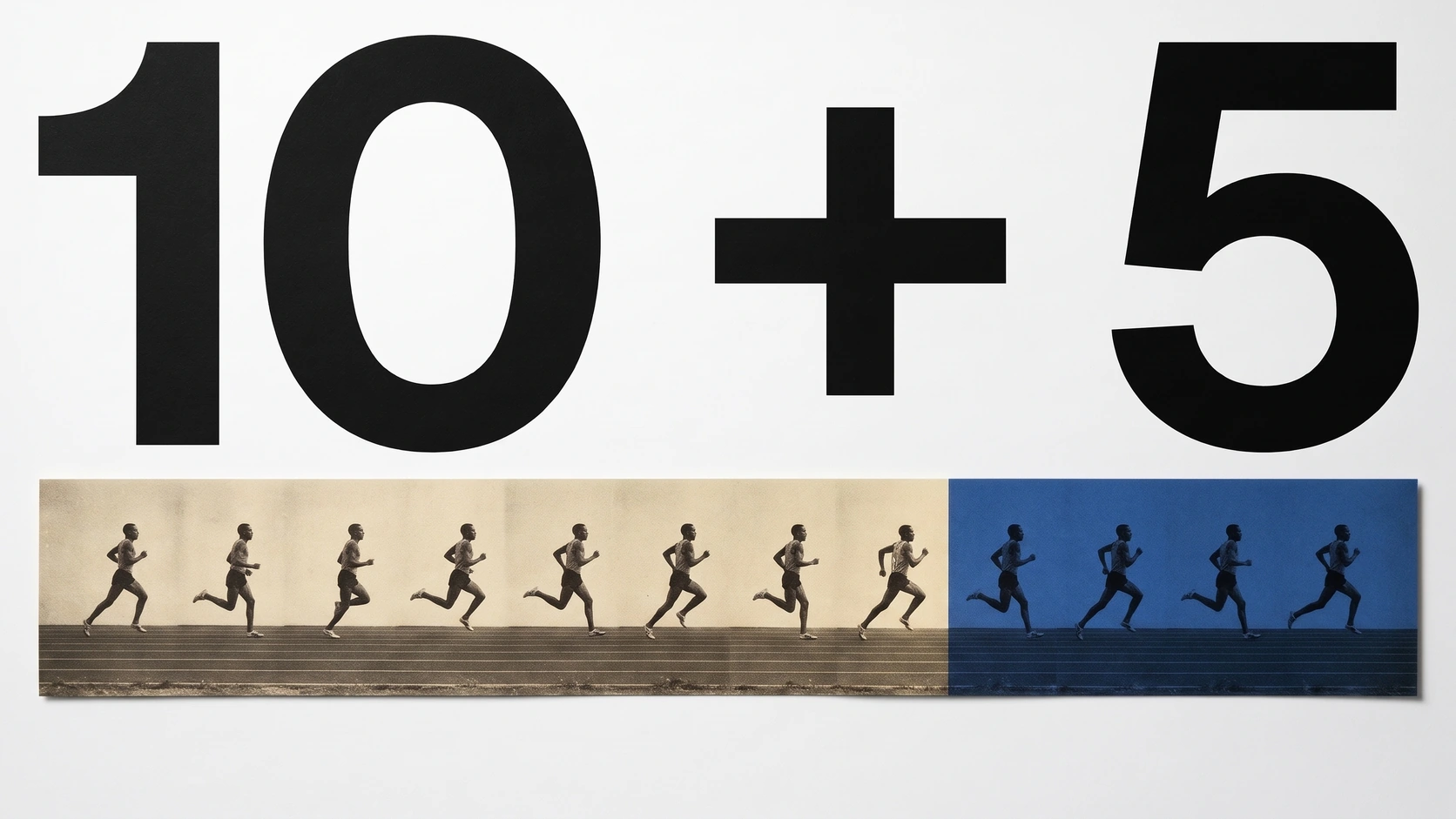
Five more seconds can double the cost of a shot in Google Flow. Generate a ten-second take at 720p with Omni 1.2 and the bill is 30 credits. Ask for fifteen seconds in one go and it rises to 60. But if you already like the first take, keeping it and adding five seconds costs another 15. That leaves you with a fifteen-second shot for 45 credits in total.
Google announced the rollout on 5 November. Flow calls the model Omni 1.2 in its release note and Omni Flash 1.2 in its credit schedule. It generates and edits at native 360p or 720p. You can choose the length in one-second steps starting at three seconds. All users can go up to ten seconds. Google AI Plus, Pro and Ultra subscribers can go up to fifteen and can extend an existing shot.
A shot you can keep revising
Google says the update follows character and scene references more closely, gives creators more control over jump cuts and produces a sharper image. Its launch examples include a virtual fitting: a model photograph and front and back views of three outfits guide a sequence of turns and cuts. Watch the back of a garment as the model turns. Matching what was in the reference is a stricter test than making the first frame look convincing.
An edit revises the existing shot and uses the generation rate for its requested length. Extend keeps the accepted footage and adds three to ten seconds at a time in Flow on the web. The Flow team says the new segment can be guided with image, character and voice references, including an avatar voice or one from the voice library. Google notes that some voice features vary by region.
Google’s conservatory example opens on the reference images and voice samples, then cuts to the animated scene. A pink creature sits on a table, a chameleon stands beside it and two furry figures face them. All four share the frame. You can follow the mouths as the speakers take turns and listen for the voice assigned to each character.
Sources: Google DeepMind [3] · Google Flow Help [2] · Google Flow Help [1] · Google AI Studio / @GoogleAIStudio [7]
Google’s voice-reference demonstration in the conservatory
Google’s demonstration of dialogue with reference voices and characters.
Google AI Studio introduces Gemini Omni 1.2 Flash
Loading post from X…
Official launch post with a product demonstration. Open the original for the published clip and availability announcement.
How Flow counts a second
Generation and editing have two price bands. At 360p the first ten seconds cost one credit each. Seconds 11 through 15 cost two each, so a full fifteen-second result costs 20 credits. At 720p the corresponding rates are three and six. Extending costs one credit per added second at 360p or three at 720p. Google bills each output separately if a request produces multiple videos.
Upscaling is a separate operation. On Plus, Pro and Ultra, an upscale to 720p or 1080p costs zero credits for up to ten seconds, then one credit for each extra second. For a fifteen-second clip that is five credits. The 4K option requires Ultra: 50 credits cover the first ten seconds and each additional second costs five. Upscaling a fifteen-second clip to 4K therefore costs 75 credits on top of making it. A single 15-second output made at 720p (60 credits) and then upscaled to 4K (75) comes to 135 credits.
Sources: Google Flow Help [1]
Which model to pick before 5 December
Flow is simplifying its video menu to Omni Flash 1.2 and Veo 3.1 Lite. Lite offers four-, six- and eight-second 720p generations, with eight seconds for reference-guided video. Omni handles edits and extensions. Google lists 5 December 2026 as the retirement date for Omni Flash 1.1, Veo 3.1 Fast and Veo 3.1 Quality. Until then the older models remain available at their standard rates.
Sources: Google Flow Help [2] · Google Flow Help [1]
Google Cloud bills the API in dollars
For developers using Google Cloud, the original launch calculation uses a different unit. Google priced video output at $12 per million tokens. The estimates below use the published number of output tokens per second for a single fifteen-second video with audio. Input, text, reasoning and separate upscaling charges are outside those figures.
Sources: Google Cloud [6] · Google Cloud / John Nack [4]
| Output | Tokens per second | 15 seconds |
|---|---|---|
| 360p | 1,931 | ≈ $0.35 |
| 720p | 5,792 | ≈ $1.04 |
| 1080p | 8,688 | ≈ $1.56 |
| 4K | 17,376 | ≈ $3.13 |
A timing limit for API workflows
The Cloud model card specifies three to 15 seconds for ordinary generation and editing, but only three to ten seconds when both a first and a last frame are supplied. Video extension also adds three to ten seconds. It lists landscape 16:9 and portrait 9:16 output, and the Interactions API rather than GenerateContent for this model.
Sources: Google Cloud [5] · Google Cloud / John Nack [4]
SOURCES & METHOD
The record behind the article
Flow credit examples use Google’s published rates per output. Google Cloud API estimates use its separate dollar-denominated token rates. The embedded demonstration is from Google AI Studio.
- Manage your Google Flow credits Google Flow Help
- Google Flow video models and supported features Google Flow Help
- Gemini Omni 1.2 Flash: Fast and cost-effective with longer clips Google DeepMind · 2026-11-05
- Gemini Omni 1.2 Flash is generally available on Google Cloud Google Cloud / John Nack · 2026-11-05
- Gemini Omni 1.2 Flash — model documentation Google Cloud · 2026-11-05
- Agent Platform pricing — Gemini Omni Google Cloud
- Google AI Studio: Gemini Omni 1.2 Flash launch announcement Google AI Studio / @GoogleAIStudio · 2026-11-05